Packaged from the gist here
import vscompareBasic usage (will save one frame from each 720p formatted clip):
enc, bd, tv = vscompare.prep(enc, bd, tv)

vscompare.save(enc=enc, bd=bd, tv=tv)
{Script Directory}
bd02045.pngenc02045.pngtv02045.png@ 1280x720px
Full usage (will save three 3x-point-upscaled frames from each formatted clip—frame 920 and 2 randomly generated—in titled subfolders, without modifying chroma-subsampling):
enc, bd, tv = vscompare.prep(enc, bd, tv, w=1920, h=1080, dith=True, yuv444=False)

vscompare.save(920, rand=2, folder=True, zoom=3, x264_encode=enc, Bluray=bd, TV=tv)
{Script Directory}
/x264_encode
00031.png00920.png31887.png
/Bluray
00031.png00920.png31887.png
/TV
00031.png00920.png31887.png@ 5760x3240px
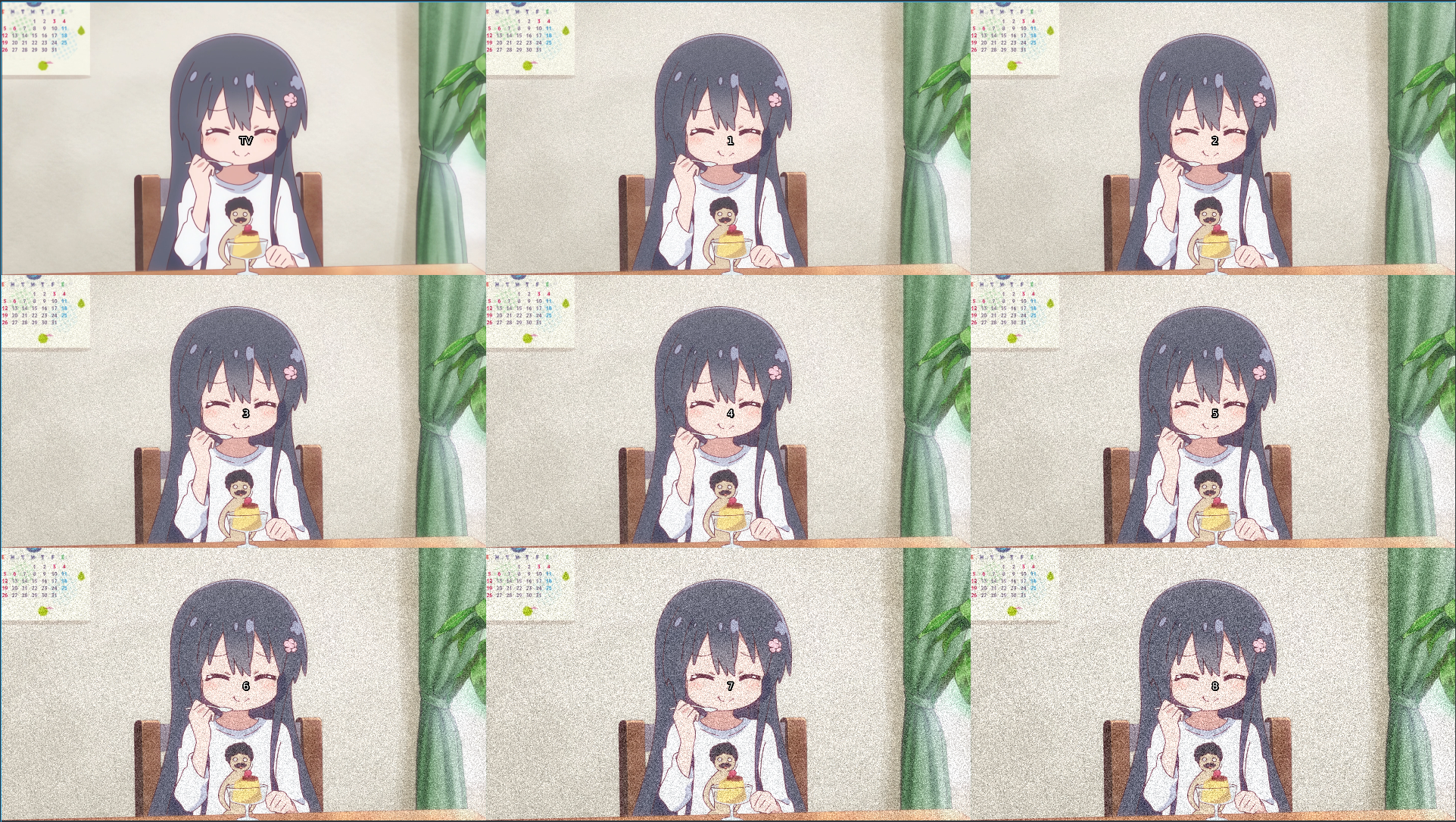
There are aliases for different types of compares, namely vcomp / hcomp for vertical / horizontal stacking, ccomp for one continuous clip, mcomp for a mosaic, and scomp for a 2 or 3 way vertical split between clips.
Basic usage (will interleave entire clips, with a named label in the top left):
enc, bd, tv = vscompare.prep(enc, bd, tv)

prev = vscompare.ccomp(enc=enc, bd=bd, tv=tv)
Full usage:
Partial mosacis of 6 different clips, each with 13 total frames:
prev = vscompare.comp(18, 26, 4355, rand=10, stack_type='mosaic', Encode=enc, Bluray=bd, TV=tv, Grained=g1, Noised=n1, Deband=db)Horizontal stacking of sliced clips:
prev = vscompare.comp(slicing=True, slices=[":15", "360:470", "480:"], label_alignment=2, stack_type='horizontal', Encode=enc, Bluray=bd, TV=tv)mcomp example: