


Bootstrap markup. shadcn feel.
Moo UI is a Bootstrap 5.3-native component system with a restrained, shadcn-inspired visual language.
Explore the catalog » · Try it in 30 seconds · Report an issue
Moo UI gives Bootstrap 5.3 applications a calmer, shadcn-inspired product surface without asking teams to abandon the markup, variables, and plugin contracts they already use.
It is built for server-rendered products, admin screens, dashboards, and SaaS interfaces where Bootstrap remains the public contract but the default visual language needs to feel more current.
- Bootstrap-native. Keep familiar classes, form markup, layout utilities, and Bootstrap JavaScript where Bootstrap already owns the behavior.
- CSS-first. Most components need only one stylesheet and ordinary HTML.
- Gradual when needed. Use the full build or scope Moo UI inside a
.moo-uiboundary while an existing Bootstrap app migrates piece by piece. - Explicit runtime. Optional Moo UI behavior loads through ESM entrypoints only when a component needs behavior Bootstrap does not provide.
The quick demo intentionally follows the floating npm tag:
<link rel="stylesheet"
      href="https://unpkg.com/@wpmoo/ui@latest/dist/assets/css/moo-ui.css">

<button type="button" class="btn btn-primary">Create workspace</button>
moo-ui.css is a complete Bootstrap CSS build with Moo UI defaults. Use it
instead of another Bootstrap stylesheet, not in addition to one.
It emits Moo UI's root/body theme tokens before Bootstrap's reboot body rules;
if you persist dark or system mode, set data-bs-theme synchronously in the
head before this stylesheet loads.
npm install @wpmoo/ui bootstrapUse the complete Moo UI Bootstrap build instead of Bootstrap's stylesheet:
import "@wpmoo/ui/moo-ui.css";
import "bootstrap/dist/js/bootstrap.bundle.min.js"; // only when plugins are usedKeep the existing Bootstrap stylesheet, load the scoped Moo layer after it, and wrap only the area being migrated:
import "bootstrap/dist/css/bootstrap.min.css";
import "@wpmoo/ui/moo.css";
import "bootstrap/dist/js/bootstrap.bundle.min.js"; // only when plugins are used<div class="moo-ui">
<button type="button" class="btn btn-primary">Create workspace</button>
</div>Resolve the initial light or dark value on the server whenever the host
knows the request or session preference. Put it on the first application owner;
keep lang and the document's default dir on html:
<!-- Server-resolved document: no state bootstrap required. -->
<html lang="en" dir="ltr">
  <body>
    <div class="moo-ui" data-bs-theme="dark" data-moo-document-owner="true">
      <!-- Moo UI application -->
    </div>
  </body>
</html>
For a static or strict-CSP host without an inline bootstrap, keep the classic external asset as the root's first child. An embedded owner uses explicit keys when it needs independent browser persistence:
<!-- Static or strict-CSP fallback: classic script is the root's first child. -->
<div class="moo-ui" data-bs-theme="light" data-moo-theme-key="portal:theme">
  <script src="/vendor/@wpmoo/ui/state.js"></script>
  <!-- embedded Moo UI fragment -->
</div>
On a first visit, a static host without a known server preference can only
correct a browser-only preference after the external asset is fetched, so that
correction may be visible. The server value remains the deterministic fallback;
an external fetch cannot guarantee zero flash in this profile. Since RC9, Moo UI exposes
this asset as @wpmoo/ui/state.js.
import MooUI from "@wpmoo/ui/moo-ui.js";

const combobox = document.querySelector(".combobox");
if (combobox) {
  MooUI.Combobox.getOrCreateInstance(combobox);
}
The runtime bundle is optional and side-effect-free. Import the aggregate
@wpmoo/ui/moo-ui.js entrypoint, or import only the component module you use.
The aggregate loads Chart.js only when loadChart() is called:
const chartRoot = document.querySelector(".chart");
if (chartRoot) {
  const Chart = await MooUI.loadChart();
  Chart.getOrCreateInstance(chartRoot);
}
RC10 replaces the aggregate's synchronous Chart export with the asynchronous
loadChart() loader, also available as a named export. Both aggregate variants
resolve the adjacent chart.js asset, so keep that file beside the aggregate
when self-hosting. Repeated loader calls and direct chart.js imports share
the same constructor. The standalone chart.js and chart.min.js APIs remain
synchronous and unchanged.
See the Installation guide for npm, CDN, Sass, Bootstrap JavaScript, and ESM recipes.
For server-marked Sheets, call the explicit initializer after Bootstrap Offcanvas is available on the document's window:
import { initSheets } from "@wpmoo/ui/sheet.js";
initSheets(document);- Keep server-rendered HTML, Bootstrap classes, and familiar plugin behavior.
- Apply a restrained product rhythm to forms, overlays, navigation, data display, and application shells.
- Inspect static rendered examples and copy the resulting HTML contracts.
- Start with one scoped region or replace the full stylesheet after review.
Browse the component catalog, composed blocks, and full examples.
Moo UI is tuned for product interfaces: compact controls, quiet cards, predictable overlays, readable forms, and data-heavy screens that still feel calm.
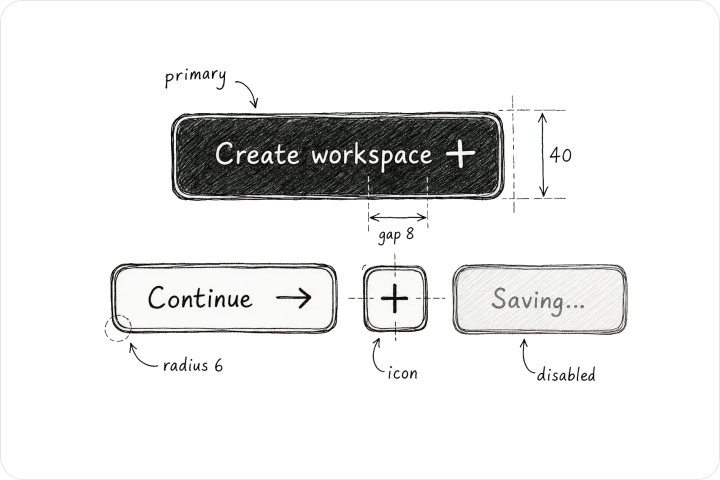
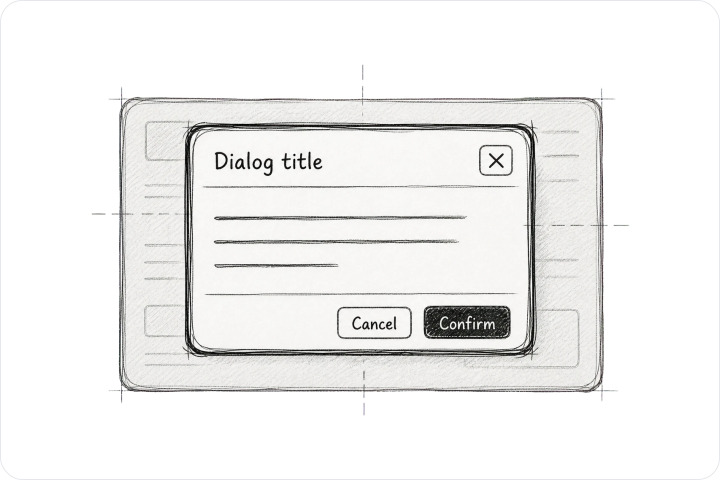
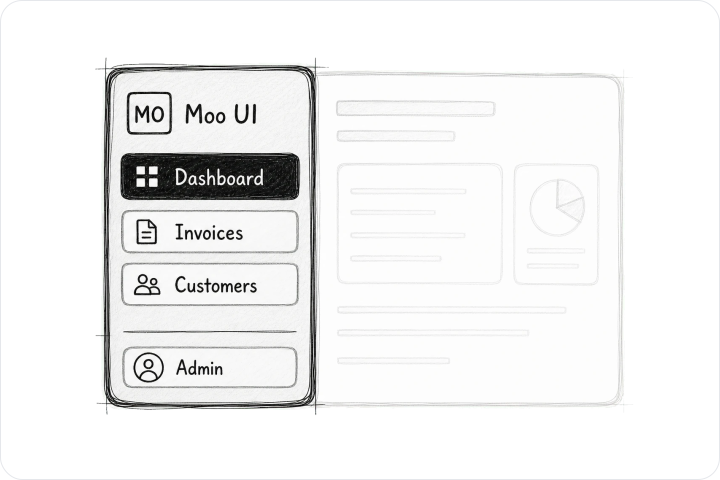
The current release candidate is 1.0.0-rc.10. Public exports, package boundaries, browser support, and release evidence live in Support & Evidence.
Complete release notes are on
GitHub Releases.
Small documentation corrections, reduced reproductions, accessibility checks, and bounded component improvements are welcome. The Contributing guide covers local development, project boundaries, workflow, and issue types.
Development setup and repository boundary notes live in the Contributing guide. Consumer install paths live in the Installation guide.
Moo UI source code is MIT licensed. License details live in
LICENSE and the License page.
The published LICENSE also retains the full MIT notices for bundled
Chart.js and @kurkle/color.
Asset terms live in ASSET_LICENSE.md; dependency notices
live in the
version-pinned third-party notices.