
a pleasant file explorer in your terminal supporting all filesystems








browsr 🗂️ is a pleasant file explorer in your terminal. It's a command line TUI
(text-based user interface) application that empowers you to browse the contents of local
and remote filesystems with your keyboard or mouse.
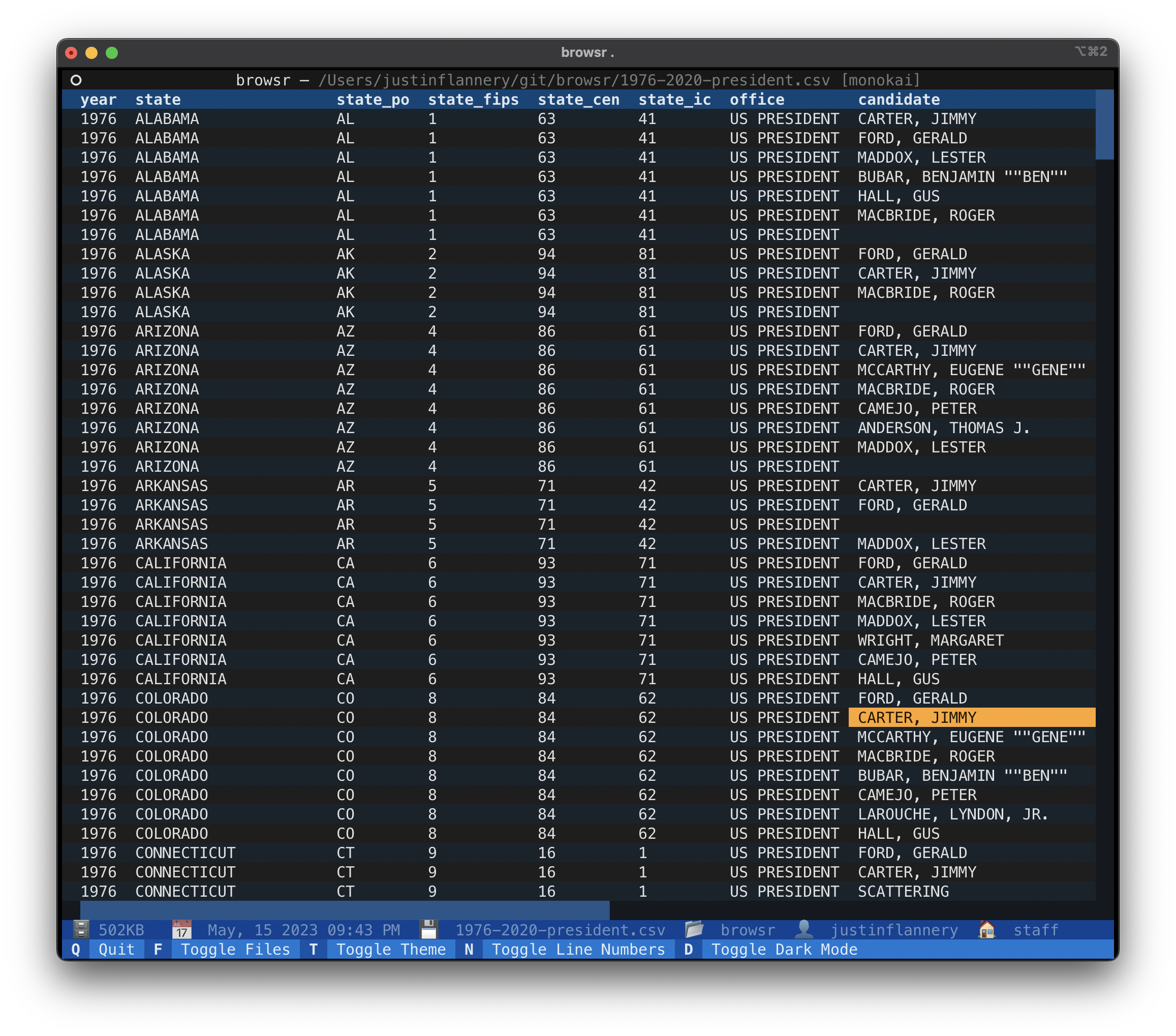
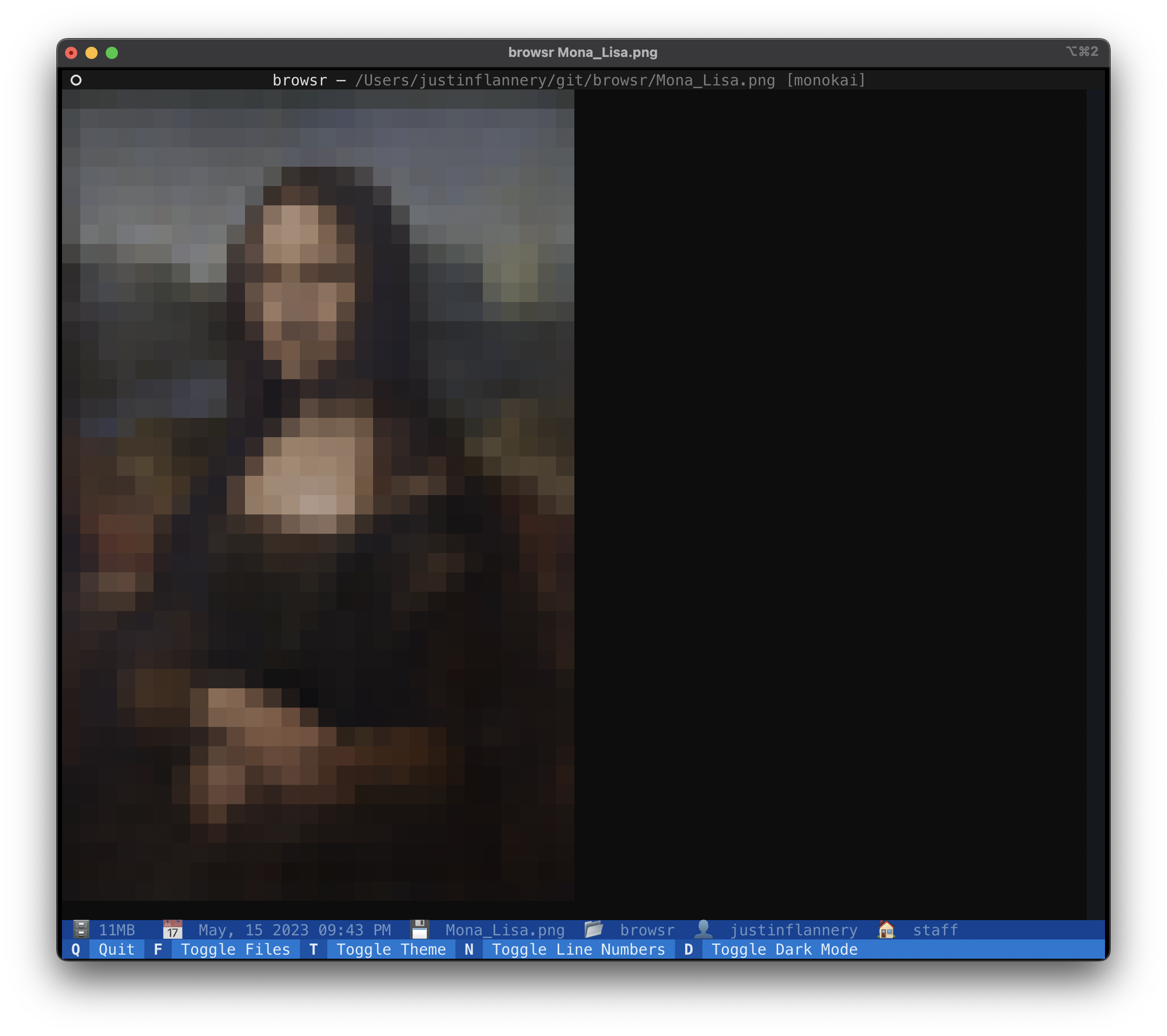
You can quickly navigate through directories and peek at files whether they're hosted locally, in GitHub, over SSH, in AWS S3, Google Cloud Storage, or Azure Blob Storage. View code files with syntax highlighting, format JSON files, render images, convert data files to navigable datatables, and more.
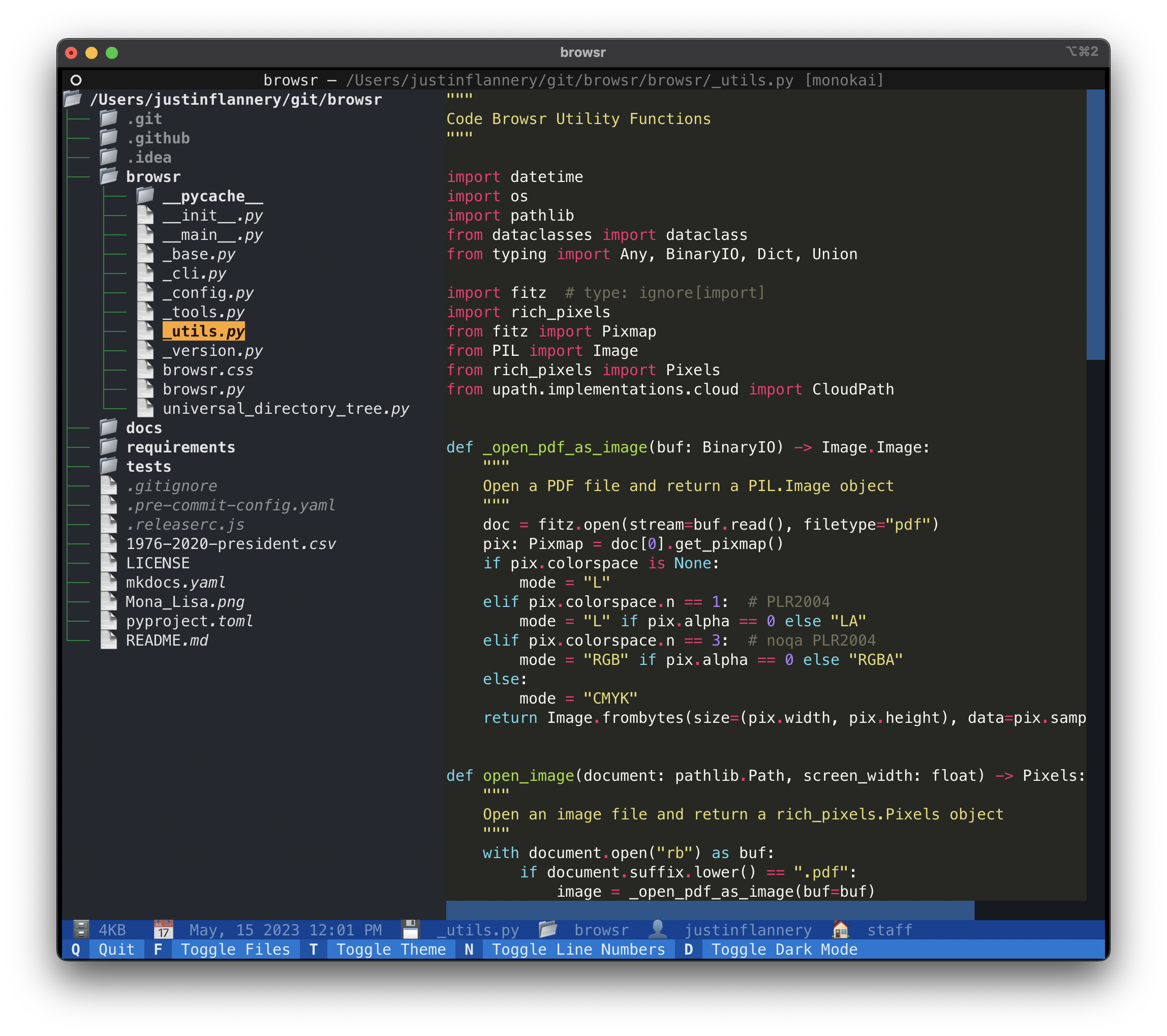
Screenshots
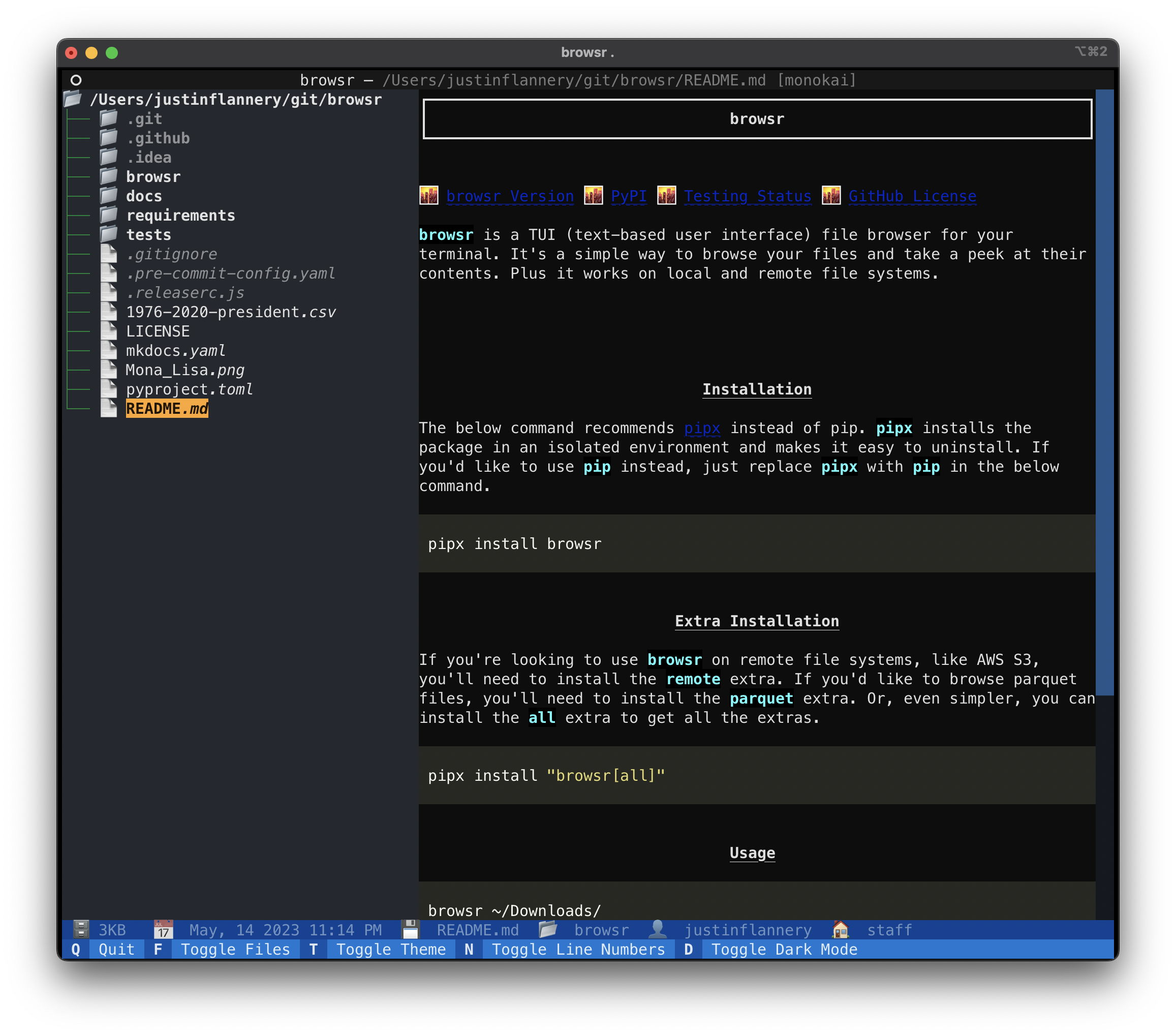
Screen Recording
browsr.mp4
Install browsr in an isolated environment with uv:
uv tool install browsrYou can also use pipx (pipx install browsr) or pip install browsr.
If you're looking to use browsr on remote file systems, like GitHub or AWS S3, you'll need to install the remote extra.
If you'd like to browse parquet / feather files, you'll need to install the data extra. Or, even simpler,
you can install the all extra to get all the extras.
uv tool install "browsr[all]"uv tool upgrade browsrTo upgrade all tools installed with uv, use uv tool upgrade --all.
Simply give browsr a path to a local or remote file / directory.
Check out the Documentation for more information
about the file systems supported.
browsr ~/Downloads/browsr github://juftin:browsr
export GITHUB_TOKEN="ghp_1234567890"
browsr github://juftin:browsr-private@main
browsr s3://my-bucket** Currently AWS S3, Google Cloud Storage, and Azure Blob Storage / Data Lake are supported.
browsr ssh://username@example.com:22browsr is distributed under the terms of the MIT license.