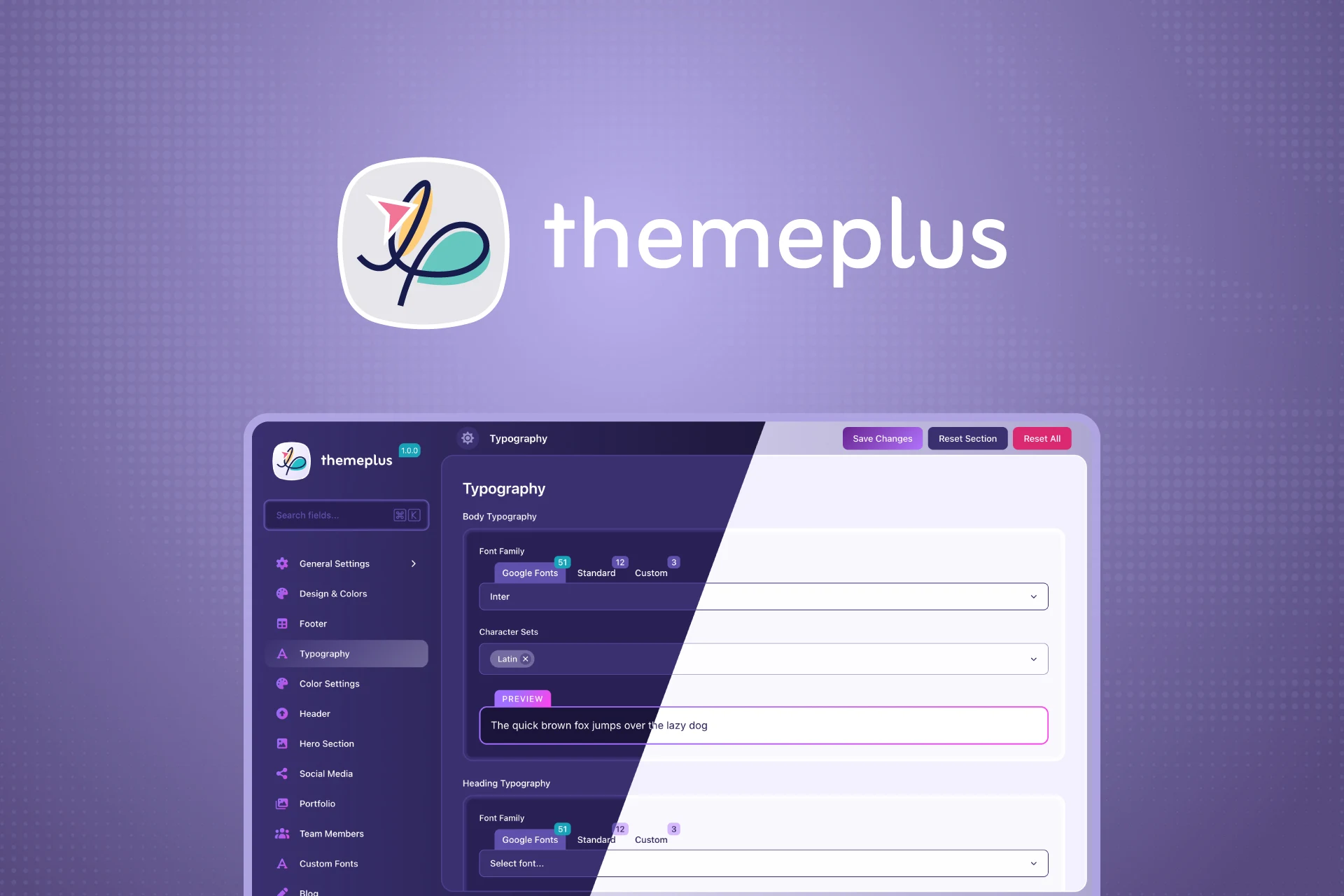
A free, open-source, lightweight alternative to Redux Framework. Build powerful theme options panels with a beautiful React UI — no bloat, no paywalls, no legacy code.




Features · Field Types · Installation · Usage · White-label · Conditional Logic · REST API · Contributing

- 🎨 React-Powered Admin UI — Modern, polished interface built with React and WordPress components
- 🧩 30 Field Types — Every input type a theme could need, nothing more
- 🏷️ Full White-label Support — Rename everything: menu title, slug, icon, option key — it becomes your theme's own settings panel
- 📂 Sections & Subsections — Organise options into a clean hierarchical sidebar with
themeplus_add_section()andthemeplus_add_subsection() - 🔀 Conditional Logic — Show or hide any field based on the value of another; 10 operators, AND/OR relations, dot-notation sub-keys
- 🔤 Google Fonts Integration — Browse and load from 1,899 Google Fonts with live preview inside the Typography field
🅰️ Custom Fonts Module — Upload and manage self-hosted fonts (WOFF2, WOFF); magic-byte verified, capability-gated, auto-enqueued- 🔒 Per-field Sanitization — Every saved value passes through
ThemePlus_Sanitizer— type-checked, key-whitelisted, safe - 📤 Import / Export — Backup and restore all theme settings as JSON with one click
- 🔍 Live Search — Instantly search across all fields and sections by title, subtitle, description, or ID
- 🌗 Dark & Light Mode — Admin UI respects the user's WordPress colour scheme with a manual toggle
⚠️ Unsaved Changes Detection — Warns before navigating away with unsaved changes- 🔌 REST API — Full CRUD endpoints under the
themeplus/v1namespace; capability-gated with nonce verification - 🛠️ Developer Panel — Dev-mode-only panel showing field metadata, current values, PHP data types, and copy-ready code snippets
- 🪶 392KB total — Lightweight alternative to Redux Framework with a fraction of the footprint
- 🧹 Modern PHP 8.0+ — Clean, singleton-pattern architecture with type hints throughout
- 🌍 i18n Ready — Full internationalisation support with
.potfile included
30 field types across 12 categories — everything a theme needs, nothing it doesn't.
| Category | Fields |
|---|---|
| Text | Text, Textarea |
| Number | Number / Spinner, Slider |
| Choice | Select, Button Set, Radio, Checkbox, Select Image |
| Toggle | Toggle / Switch |
| Color | Color Picker, Gradient Picker |
| Media | Image, Gallery, Icon (FontAwesome 6) |
| Layout | Typography, Dimensions, Spacing, Border |
| Special | Info, Section, Shortcode, Raw |
| Date | Date Picker (date only or date + time) |
| Social | Social Media Links (20 platforms) |
| Code | Code Editor (CSS, JavaScript, HTML) |
| Advanced | Repeater, Background, Link, Group |
Every field returns a documented, consistent value. Key shapes:
| Field | Returns |
|---|---|
image |
{ id, url, width, height, alt, title } — empty array when removed |
gallery |
[{ id, url, alt }, ...] |
border |
{ width, style, color, radius } |
spacing |
{ top, right, bottom, left, unit } |
dimensions |
{ width, height, unit } |
background |
{ mode, color, image, position, size, repeat, attachment, gradient } |
link |
{ url, text, target, rel } |
social_media |
[{ platform, url }, ...] |
typography |
{ font-family, font-size, font-weight, font-style, line-height, letter-spacing, text-transform, subsets } |
gradient_picker |
Complete CSS linear-gradient() string |
repeater |
Array of row arrays, each keyed by sub-field id |
group |
Single row array keyed by sub-field id |
| Context | Format | Example |
|---|---|---|
Section / subsection icon |
FontAwesome name only | 'pen', 'palette', 'code' |
Icon field default |
Full FontAwesome class | 'fa-solid fa-star', 'fa-brands fa-github' |
| Requirement | Version |
|---|---|
| WordPress | 6.8 or higher |
| PHP | 8.0 or higher |
ThemePlus has been submitted to the WordPress.org plugin directory. Once approved, search for ThemePlus in Plugins → Add New.
- Go to Releases
- Download the latest
themeplus.zip - In your WordPress admin go to Plugins → Add New → Upload Plugin
- Upload the ZIP and activate
cd wp-content/plugins
git clone https://github.com/fronttheme/themeplus.git
Activate from Plugins in your WordPress admin.
Note for Git / direct ZIP installs: WordPress.org auto-loads translations for directory-listed plugins. For installs outside WordPress.org, add
load_plugin_textdomain( 'themeplus', false, dirname( plugin_basename( __FILE__ ) ) . '/languages' )to your theme if you need translations.
$plugins = [
    [
        'name'     => 'ThemePlus',
        'slug'     => 'themeplus',
        'source'   => 'https://github.com/fronttheme/themeplus/releases/latest/download/themeplus.zip',
        'required' => true,
    ],
];ThemePlus does nothing on its own — it is a framework for theme developers. To add a settings panel to your theme:
- Copy
includes/config/sample-config.phpfrom the plugin into your theme (rename thethemeplus_sample_prefix to your own theme prefix) - Include it in
functions.php:require_once get_template_directory() . '/inc/themeplus-config.php'; - Configure
themeplus_framework_config()with your theme's details - Add sections and fields using
themeplus_add_section() - Retrieve values with
themeplus_get_option( 'field_id' )
// In inc/themeplus-config.php
add_action( 'after_setup_theme', function () {

    if ( ! function_exists( 'themeplus_framework_config' ) ) {
        return;
    }

    $theme = wp_get_theme();

    themeplus_framework_config([
        'display_name' => $theme->get( 'Name' ),
        'opt_name'     => 'my_theme_options',     // Unique DB key — must be unique per theme
        'menu_slug'    => 'my-theme-settings',
        'menu_title'   => __( 'Theme Settings', 'your-textdomain' ),
        'menu_icon'    => 'dashicons-admin-appearance',
        'text_domain'  => 'your-textdomain',
    ]);

} );
i18n convention: ThemePlus translates its own fallback strings using the
themeplusdomain. Every string you pass intothemeplus_framework_config()orthemeplus_add_section()should already be wrapped in__()with your theme's own text domain — the plugin never translates your theme's config strings.
add_action( 'init', function () {

    if ( ! function_exists( 'themeplus_add_section' ) ) {
        return;
    }

    themeplus_add_section([
        'id'     => 'general',
        'title'  => __( 'General Settings', 'your-textdomain' ),
        'icon'   => 'cog',  // FontAwesome name only — the part after 'fa-solid fa-'
        'fields' => [
            [
                'id'      => 'enable_preloader',
                'type'    => 'toggle',
                'title'   => __( 'Enable Preloader', 'your-textdomain' ),
                'default' => true,
            ],
            [
                'id'      => 'primary_color',
                'type'    => 'color',
                'title'   => __( 'Primary Color', 'your-textdomain' ),
                'default' => '#2271b1',
            ],
            [
                'id'             => 'body_font',
                'type'           => 'typography',
                'title'          => __( 'Body Typography', 'your-textdomain' ),
                'font-size'      => true,
                'font-weight'    => true,
                'line-height'    => true,
                'default'        => [
                    'font-family' => 'Inter',
                    'font-size'   => '16',
                    'font-weight' => '400',
                ],
            ],
            [
                'id'      => 'brand_icon',
                'type'    => 'icon',
                'title'   => __( 'Brand Icon', 'your-textdomain' ),
                'default' => 'fa-solid fa-star',  // Full FontAwesome class for icon field default
            ],
        ],
    ]);

} );Nest subsections inline or attach them from a separate hook — the pattern for child themes and extension plugins:
// Inline subsections
themeplus_add_section([
    'id'          => 'header',
    'title'       => __( 'Header', 'your-textdomain' ),
    'icon'        => 'layout',
    'fields'      => [],
    'subsections' => [
        [
            'id'     => 'logo',
            'title'  => __( 'Logo', 'your-textdomain' ),
            'icon'   => 'image',
            'fields' => [
                [
                    'id'    => 'logo_image',
                    'type'  => 'image',
                    'title' => __( 'Logo Image', 'your-textdomain' ),
                    // Returns: { id, url, width, height, alt, title }
                ],
            ],
        ],
    ],
]);

// Attach from a separate hook (child theme / plugin extension pattern)
add_action( 'init', function () {

    if ( ! function_exists( 'themeplus_add_subsection' ) ) {
        return;
    }

    themeplus_add_subsection( 'header', [
        'id'     => 'sticky_header',
        'title'  => __( 'Sticky Header', 'your-textdomain' ),
        'icon'   => 'arrow-up',
        'fields' => [
            // ...
        ],
    ]);

}, 20 ); // Priority 20+ — after the parent section is registered// Single option
$color = themeplus_get_option( 'primary_color', '#2271b1' );
// All options at once — best for multiple fields on one template
$options = themeplus_get_option();
$color = $options['primary_color'] ?? '#2271b1';
$enabled = $options['enable_preloader'] ?? true;
// Structured field — image returns an array
$logo = themeplus_get_option( 'logo_image', [] );
$logo_url = $logo['url'] ?? '';
$logo_alt = $logo['alt'] ?? get_bloginfo( 'name' );
// Update programmatically
themeplus_update_option( 'primary_color', '#ff6b6b' );// Get a single option value
$value = themeplus_get_option( 'option_key', 'default_value' );
// Get all options as an array
$options = themeplus_get_option();
// Update a single option
themeplus_update_option( 'option_key', $new_value );
// Check if ThemePlus is active — safe to call before the plugin loads
if ( themeplus_is_active() ) {
// ...
}
// Get plugin version
$version = themeplus_get_version();Show or hide any field based on another field's value using the required key.
| Operator | Description |
|---|---|
== |
Equal to |
!= |
Not equal to |
> |
Greater than |
< |
Less than |
>= |
Greater than or equal to |
<= |
Less than or equal to |
contains |
Value contains string, or array contains item |
!contains |
Value does not contain string, or array does not contain item |
empty |
Field has no value (note: false and 0 are NOT empty) |
!empty |
Field has a value |
empty/!emptynote:falseand0are not considered empty — only absent values, empty strings, empty arrays, andnull. This matches PHP'sempty()semantics for booleans and integers.
// Format 1 — Single condition
'required' => [ 'enable_preloader', '==', true ],

// Format 2 — Multiple AND conditions (all must pass)
'required' => [
    [ 'enable_header', '==', true ],
    [ 'header_style', '!=', 'minimal' ],
],

// Format 3 — OR relation (any must pass)
'required' => [
    'relation'   => 'OR',
    'conditions' => [
        [ 'header_bg', '==', 'color' ],
        [ 'header_bg', '==', 'gradient' ],
    ],
],

// Format 4 — Array value (matches any in list)
'required' => [ 'header_elements', '==', [ 'logo', 'search' ] ],

// Format 5 — Dot-notation sub-key (one level deep)
'required' => [ 'body_typography.font-family', '==', 'Inter' ],ThemePlus is designed to disappear into your theme. Your users see your theme's own settings panel — never "ThemePlus".
themeplus_framework_config([
    // Branding
    'display_name'  => 'Nijhum Theme',
    'opt_name'      => 'nijhum_options',       // Unique DB key — MUST be unique per theme

    // Admin menu
    'menu_slug'     => 'nijhum-settings',
    'menu_title'    => 'Nijhum Settings',
    'page_title'    => 'Nijhum Theme Options',
    'menu_icon'     => 'dashicons-admin-appearance',
    'menu_position' => 61,
    'capability'    => 'edit_theme_options',    // Default; change to restrict access

    // Features
    'admin_bar'     => true,
    'show_search'   => true,
    'dev_mode'      => defined( 'WP_DEBUG' ) && WP_DEBUG,

    // i18n
    'text_domain'   => 'nijhum',
]);
Important: Always set a unique
opt_nameper theme. If two themes share the same key, their settings will collide in the database.
- All saved options pass through
ThemePlus_Sanitizer— unknown keys are dropped, every value is sanitized by its field type (numbers clamped, choices validated against registered options, URLs escaped, CSS stripped of tags) - REST endpoints require the configured capability (default
edit_theme_options) with nonce verification on every POST - Font uploads are MIME-type and magic-byte verified — a file renamed to
.woffwithout valid font headers is rejected - All output is escaped at every render point (
esc_attr,esc_url,wp_strip_all_tags) - Custom Fonts are not affected by Reset All or Reset Section — they are uploaded assets, not option values. Use the per-font Delete button to remove them
Full REST API under the themeplus/v1 namespace. All endpoints require the configured capability (default edit_theme_options) with nonce verification.
| Method | Endpoint | Description |
|---|---|---|
GET |
/themeplus/v1/options |
Get all saved options |
POST |
/themeplus/v1/options |
Save all options |
POST |
/themeplus/v1/options/reset |
Reset all options to defaults |
POST |
/themeplus/v1/options/reset-section |
Reset a single section to defaults |
GET |
/themeplus/v1/config |
Get full sections and fields configuration |
GET |
/themeplus/v1/dev-panel |
Field metadata and statistics (dev mode only) |
Enable dev mode to access the built-in Developer Panel — a dedicated admin section showing every registered field with its current saved value, PHP data type, dependency metadata, and copy-ready code snippets for all three access patterns.
// wp-config.php
define( 'WP_DEBUG', true );
define( 'THEMEPLUS_DEV', true );
THEMEPLUS_DEVmust be the booleantrue— not the string"true". Remove it on production sites.
- Node.js 18+
- npm
- Local WordPress install (LocalWP recommended)
- PHP 8.0+
cd wp-content/plugins
git clone https://github.com/fronttheme/themeplus.git
cd themeplus
npm install# Start Vite dev server (SCSS with HMR — requires THEMEPLUS_DEV)
npm run dev
# Start webpack watch (JS/React)
npm run blocks:start
# Production build — SCSS via Vite
npm run build
# Production build — JS/React via wp-scripts
npm run blocks:build
# Generate translation .pot file
npm run pot
# Build and package release ZIP
npm run packageRun
npm run devandnpm run blocks:startin two separate terminals during development.
ThemePlus uses a hybrid build system — a deliberate choice that plays to each tool's strengths:
| Tool | Handles | Output |
|---|---|---|
| Vite | SCSS → CSS (with HMR in dev) | assets/css/admin.css |
| webpack / wp-scripts | React / JSX → JS + dependency manifest | assets/js/admin.js + admin.asset.php |
wp-scripts generates admin.asset.php with a content-hash version and the full WordPress dependency array (wp-components, wp-element, wp-api-fetch, wp-i18n, react) — the plugin enqueues from this file in production for correct cache busting.
- Build: Vite 7 (CSS) + webpack via
@wordpress/scripts(JS) - CSS: SCSS — modular 7-1 architecture with BEM methodology
- JS/UI: React (via
@wordpress/element), WordPress Components - PHP: Singleton pattern, PHP 8.0+, type hints throughout
- Fonts: Google Fonts API (1,899 fonts) + custom font upload system
Contributions are welcome! See CONTRIBUTING.md for the full guide including how to add new field types and the coding standards.
ThemePlus is licensed under GPL-2.0-or-later — the same licence as WordPress itself. Use it freely in personal projects, client work, and commercial themes.
Faruk Ahmed
- Website: farukdesign.com
- Brand: fronttheme.com
- GitHub: @fronttheme
Made with ❤️ for the WordPress community · fronttheme.com