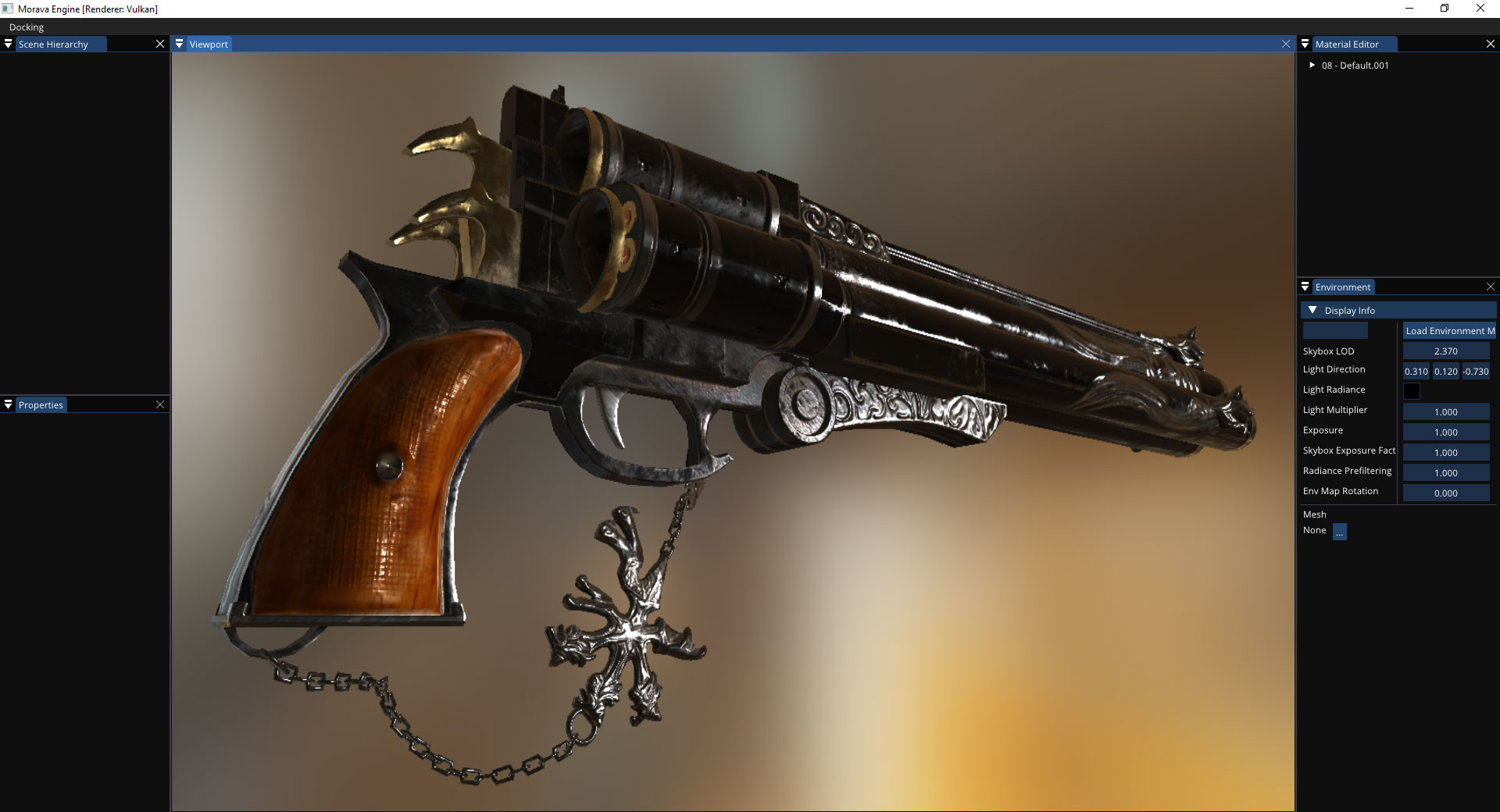
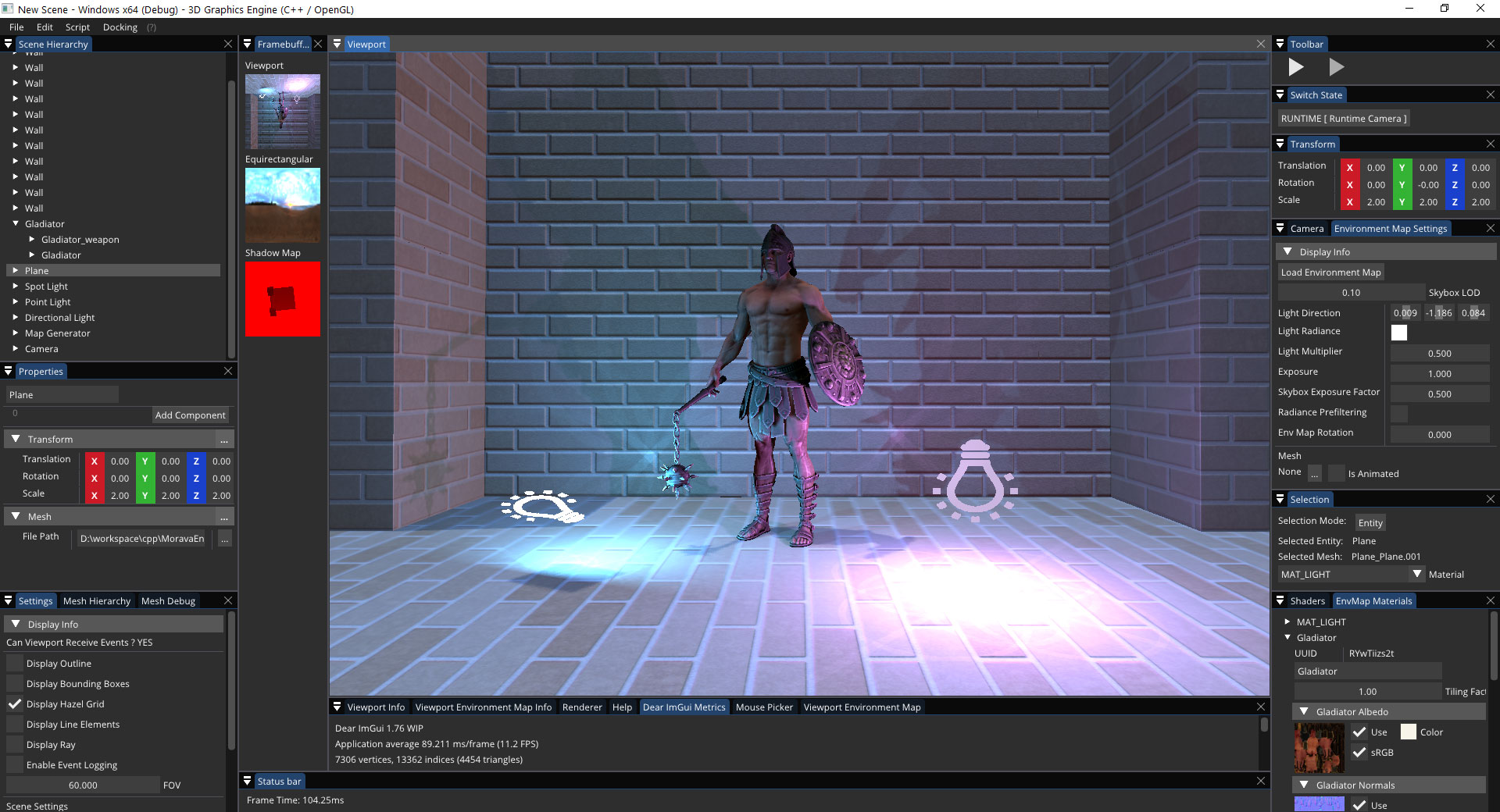
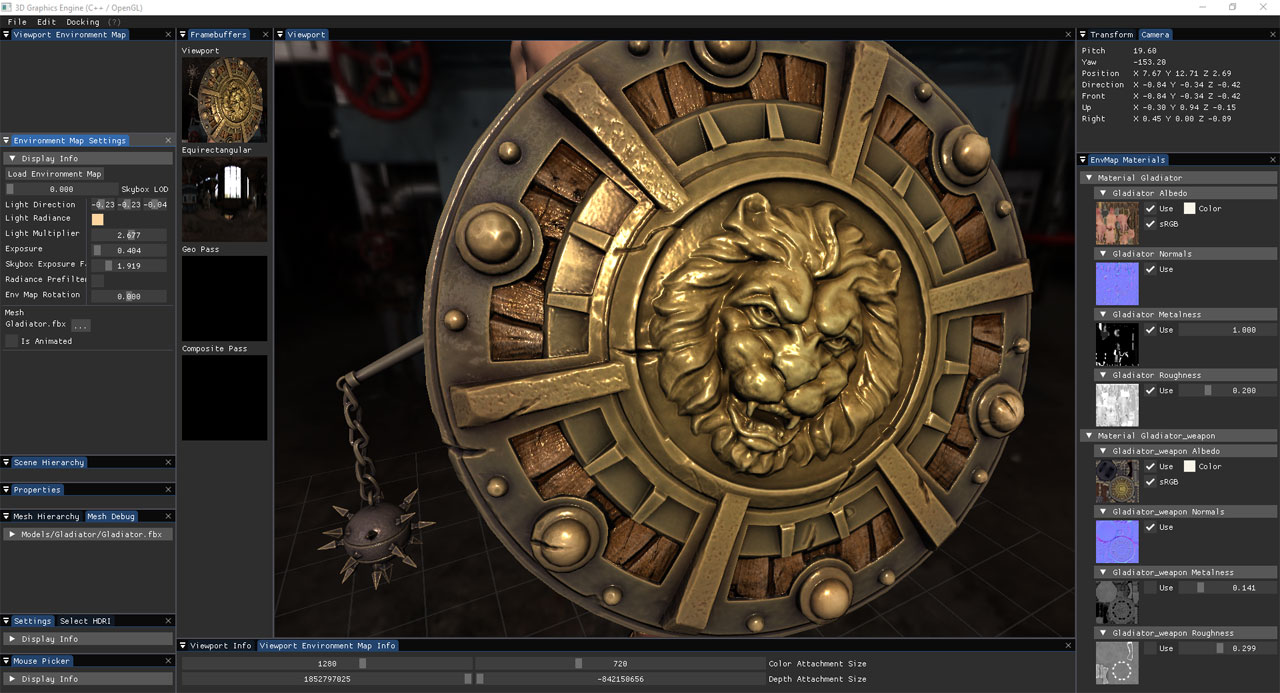
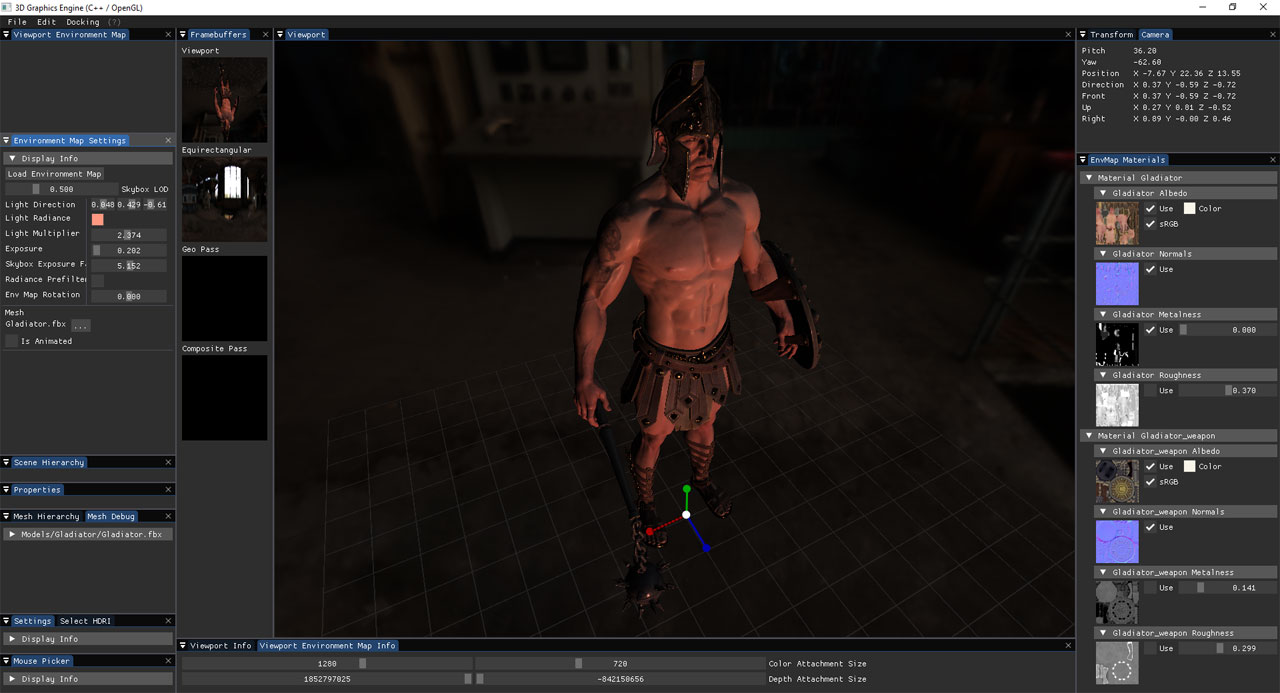
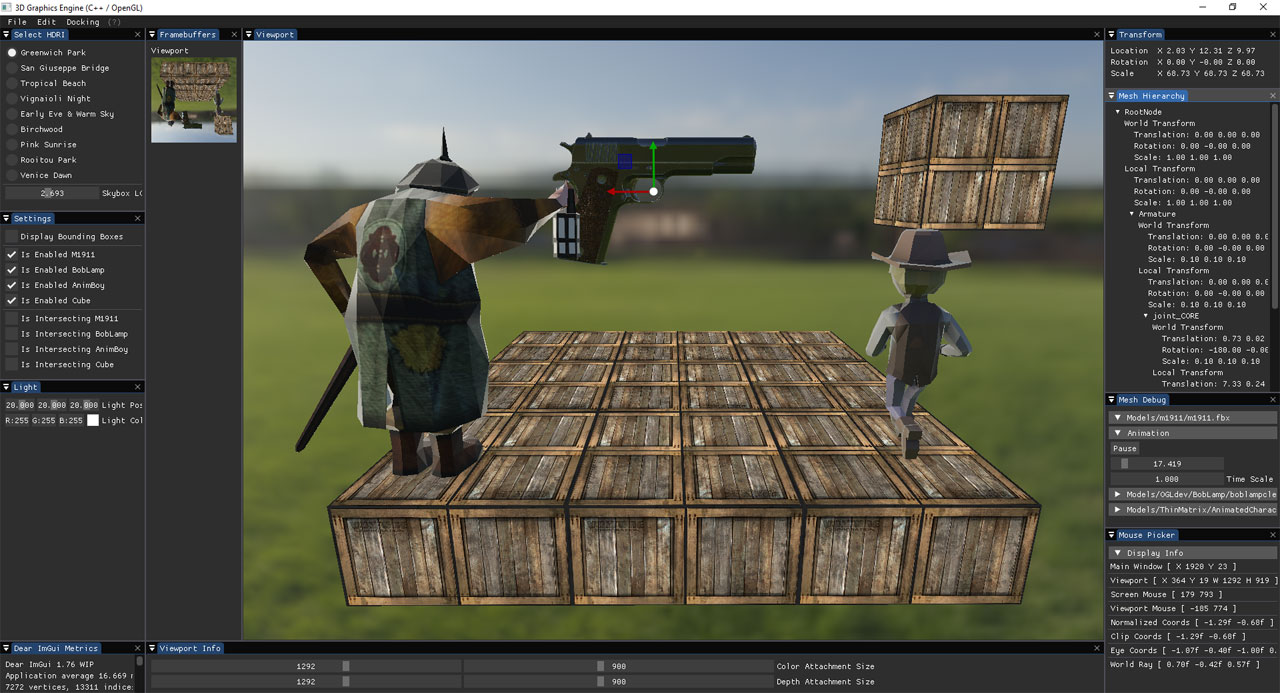
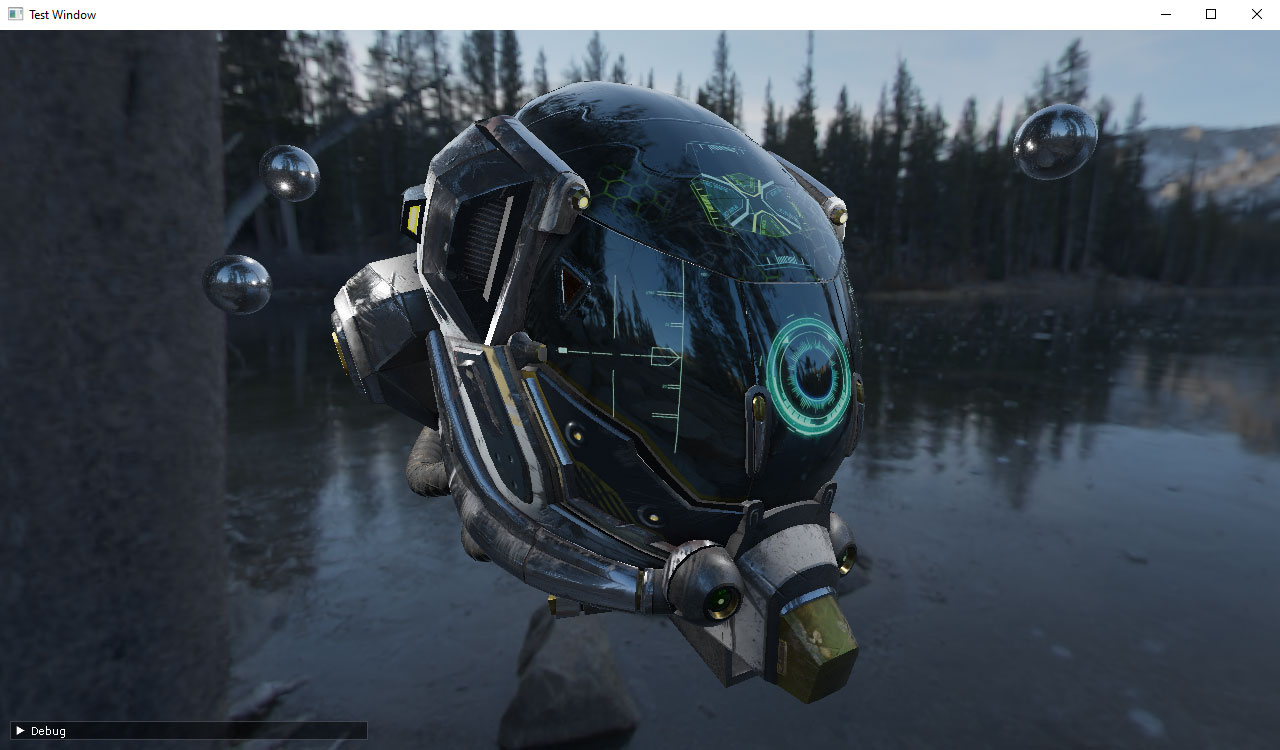
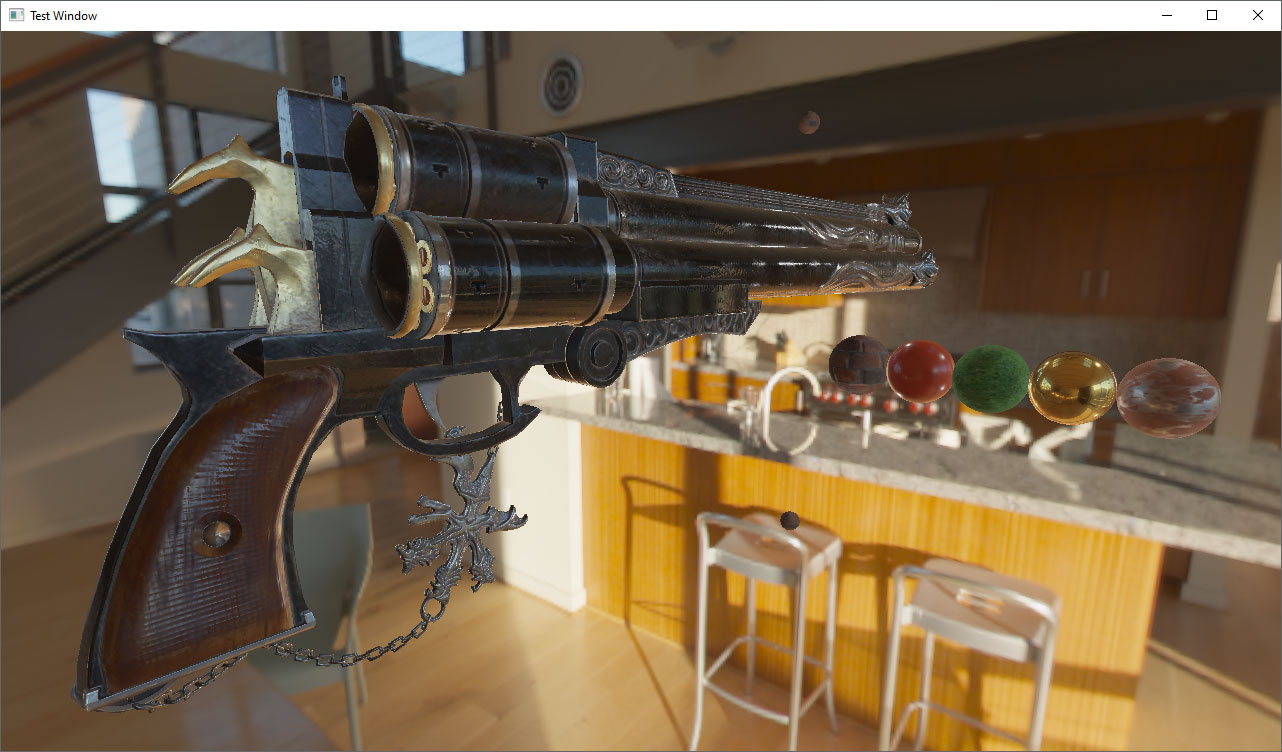
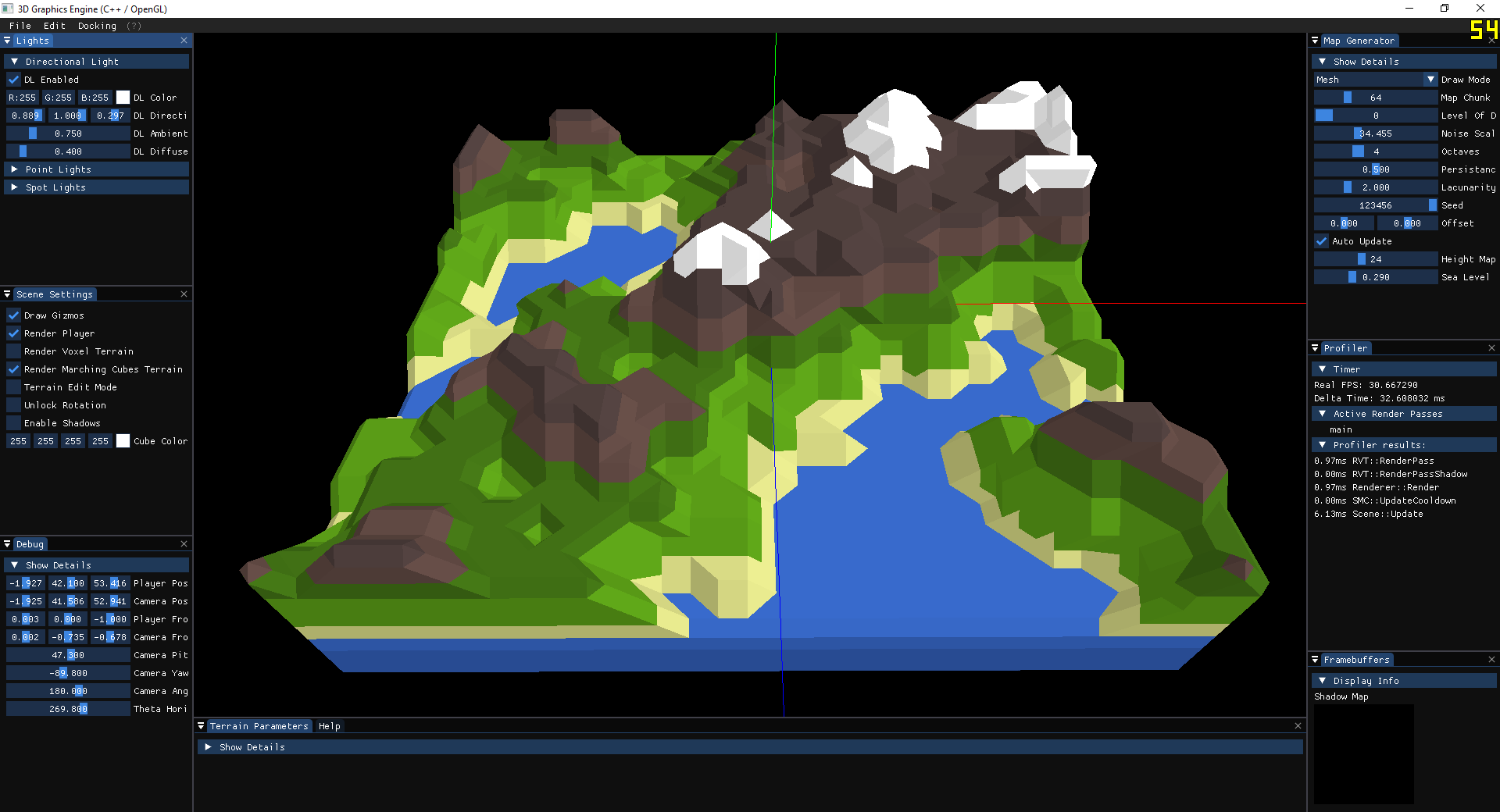
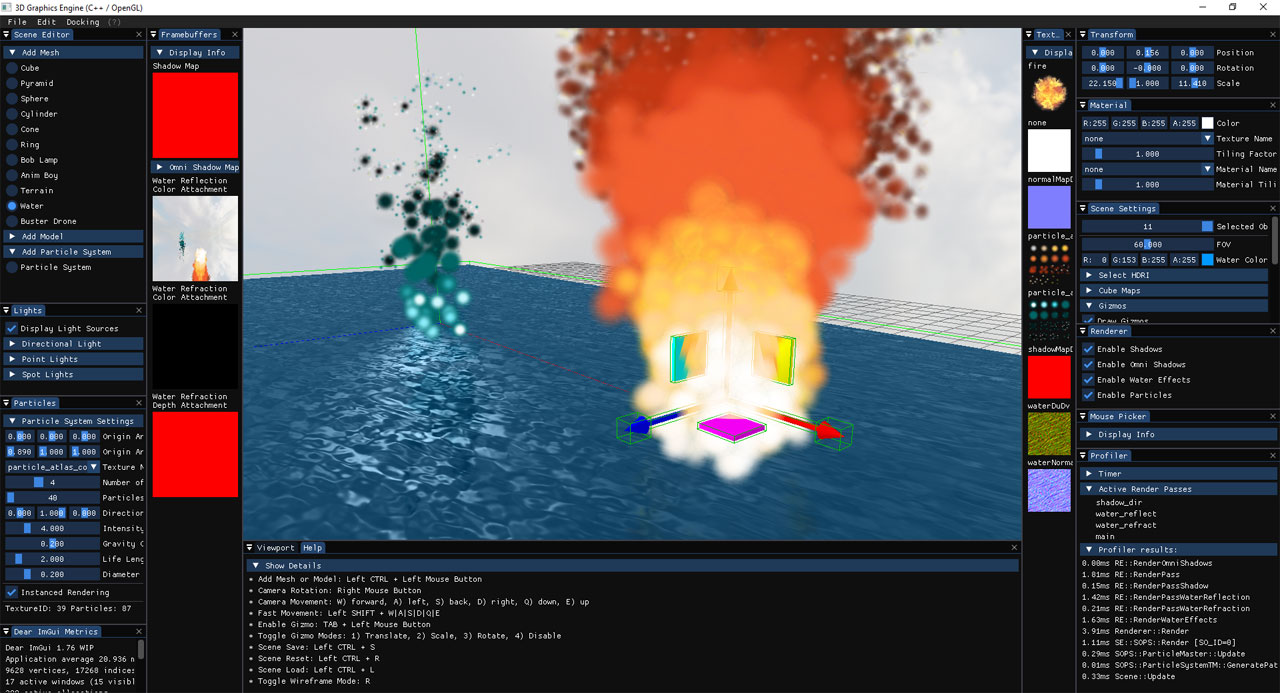
2D/3D graphics engine written in C++.
It supports three graphics APIs:
- Vulkan 1.2 (ray tracing is used when the GPU has it)
- OpenGL
- DirectX 11 (Windows only)
It runs on Windows 10 and 11. Linux and macOS support is in progress: the window, input and file dialogs are already platform independent.
The main scene is a Vulkan scene editor (ENV_MAP_VULKAN):
- Scene Hierarchy, Properties, Content Browser, Material Library and Material Editor panels
- Scenes and materials saved to files (
.mscene,.mmat) - Physically based rendering (PBR) and image based lighting (IBL)
- Sun, point and spot lights with shadows
- Global illumination with a probe volume
- Ray-traced probe updates, ambient occlusion and reflections, with raster fallbacks
- A path tracer as a reference view
- Screen-space ambient occlusion (GTAO)
- Glass and water
- Bloom, auto exposure and tonemapping
- Skeletal animation
- Debug views for the passes above
The older scenes (OpenGL, and one DirectX 11 scene) experiment with single techniques:
- Phong lighting model
- Shadows (directional light, omni-directional shadows)
- Screen-space ambient occlusion (SSAO)
- Particle systems
- Instanced rendering
- Surface reflection and refraction
- Framebuffers and post-processing
- Level of detail
- Perlin noise generator
- Procedural landmass generation
- Voxel based volumes
- Marching cubes algorithm
- Physics simulations
The rendering design of the Vulkan editor is described in docs/rendering/SSAO_GI_RayTracing_Guide.html.
- Yan Chernikov a.k.a. TheCherno [ Hazel ]
- ThinMatrix [ ThinMatrix YouTube channel ]
- Ben Cook [ Vulkan and OpenGL courses on Udemy ]
- Joey de Vries [ learnopengl.com ]
- Sascha Willems [ Vulkan C++ examples and demos ]
- Sebastian Lague [ Sebastian Lague YouTube channel ]
- ilya73 [ Gladiator free VR ]
The build is one CMake project, MoravaEngine/CMakeLists.txt. It builds the engine and the libraries it uses (GLFW, assimp, shaderc, SPIRV-Cross, Bullet, yaml-cpp, ImGui and others) from source.
- Windows 10 or 11 with Visual Studio 2026 (C++17)
- CMake 3.15 or newer
- Vulkan SDK (CMake finds it through the
VULKAN_SDKenvironment variable) - Python 3 (used by the shaderc build)
- Git
git clone --recursive https://github.com/dtrajko/MoravaEngine.git
cd MoravaEngine
python vendor/cross-platform/shaderc/utils/git-sync-deps
The last command downloads the libraries shaderc itself depends on (glslang, SPIRV-Tools, SPIRV-Headers).
From the MoravaEngine/MoravaEngine folder:
cmake -S . -B build
cmake --build build --config Debug --parallel
This builds the default: the scene SceneEnvMapVulkan (the Vulkan editor) with the Vulkan API. Other scenes and graphics APIs: see "Select the scene and the graphics API" below.
The first build takes a while, because it also builds the libraries. --config Release builds the optimized version.
To work in Visual Studio instead, run only the first command and open MoravaEngine/build/MoravaEngine.sln. MoravaEngine is the startup project.
The engine loads its shaders, models and textures relative to the MoravaEngine/MoravaEngine folder, so start it from there:
build\Debug\MoravaEngine.exe
Visual Studio is already set up to start it in that folder.
The graphics APIs are selected when CMake configures the project, with -D settings. The scene is selected in src/config.h, among the scenes of the compiled APIs.
MORAVA_VULKAN,MORAVA_OPENGLandMORAVA_DIRECTX11select which graphics APIs are compiled. They are independent: any combination works. All the scenes of a compiled API are compiled.- In
src/config.h, the block#if !defined(MORAVA_SCENE_FROM_CMAKE)has one line per API with the scene it runs, by default the first scene of that API in the list above it (SCENE_ENV_MAP_VULKAN,SCENE_COTTAGE,SCENE_DX11). Change the line to run another scene. When several APIs are compiled, the first in the order Vulkan, OpenGL, DirectX 11 runs its scene. MORAVA_SCENE(optional) selects the scene in CMake instead, and thensrc/config.h's choice is ignored. The graphics API of that scene is compiled automatically.
Example: the OpenGL classes and all OpenGL scenes. From the MoravaEngine/MoravaEngine folder:
cmake -S . -B build -DMORAVA_OPENGL=ON -DMORAVA_VULKAN=OFF -DMORAVA_DIRECTX11=OFF
cmake --build build --config Debug --parallel
SceneCottage runs; change #define SCENE_COTTAGE in src/config.h to e.g. #define SCENE_EDITOR for another OpenGL scene.
Example: the Vulkan classes and all Vulkan scenes.
cmake -S . -B build -DMORAVA_VULKAN=ON -DMORAVA_OPENGL=OFF -DMORAVA_DIRECTX11=OFF
cmake --build build --config Debug --parallel
SceneEnvMapVulkan runs (#define SCENE_ENV_MAP_VULKAN). A plain cmake -S . -B build gives the same: with no API switched on and no MORAVA_SCENE, Vulkan is compiled.
Example: SceneDX11 with the DirectX 11 API (Windows only).
cmake -S . -B build -DMORAVA_DIRECTX11=ON -DMORAVA_VULKAN=OFF -DMORAVA_OPENGL=OFF
cmake --build build --config Debug --parallel
Example: the scene selected in CMake.
cmake -S . -B build -DMORAVA_SCENE=COTTAGE
cmake --build build --config Debug --parallel
Good to know:
- The settings stay in the build folder until they are changed, so only the ones that change have to be given, e.g.
cmake -DMORAVA_OPENGL=ON build. cmake -DMORAVA_SCENE= build(empty) clears aMORAVA_SCENEset earlier, sosrc/config.hselects the scene again.- A scene in
src/config.hwhose API is not compiled stops the build with an#errorthat names the missing setting. - After changing a setting, build again. In Visual Studio, accept "Reload All" first.
- From a terminal that is already in the build folder (as the terminal of Visual Studio), use a dot for the folder:
cmake -DMORAVA_OPENGL=ON . cmake-guishows the same settings:MORAVA_SCENEas a list, the others as checkboxes.
All settings:
| Setting | Values | Meaning |
|---|---|---|
MORAVA_SCENE |
a name from the table below, default empty | The scene to build, instead of the one selected in src/config.h. Its graphics API is always compiled. |
MORAVA_VULKAN |
ON / OFF, default OFF |
Compile the Vulkan classes and scenes. |
MORAVA_OPENGL |
ON / OFF, default OFF |
Compile the OpenGL classes and scenes. |
MORAVA_DIRECTX11 |
ON / OFF, default OFF |
Compile the DirectX 11 classes and scene (Windows only). |
MORAVA_MONO |
ON / OFF, default ON on Windows |
C# scripting through mono. |
MORAVA_MSVC_STATIC_RUNTIME |
ON / OFF, default ON |
Static (/MT) or DLL (/MD) MSVC runtime, for the engine and every library. |
The scenes:
MORAVA_SCENE (SCENE_... in config.h) |
Scene class | Graphics API |
|---|---|---|
ENV_MAP_VULKAN |
SceneEnvMapVulkan (the Vulkan editor) | Vulkan |
HAZEL_VULKAN |
SceneHazelVulkan | Vulkan |
DX11 |
SceneDX11 | DirectX 11 |
COTTAGE |
SceneCottage | OpenGL |
EIFFEL |
SceneEiffel | OpenGL |
SPONZA |
SceneSponza | OpenGL |
TERRAIN |
SceneTerrain | OpenGL |
PBR |
ScenePBR | OpenGL |
LEARN_OPENGL |
SceneJoey | OpenGL |
BULLET |
SceneBullet | OpenGL |
INSTANCED |
SceneInstanced | OpenGL |
ASTEROIDS |
SceneAsteroids | OpenGL |
NANOSUIT |
SceneNanosuit | OpenGL |
FRAMEBUFFERS |
SceneFramebuffers | OpenGL |
CUBEMAPS |
SceneCubemaps | OpenGL |
PARTICLES |
SceneParticles | OpenGL |
OMNI_SHADOWS |
SceneOmniShadows | OpenGL |
VOXEL_TERRAIN |
SceneVoxelTerrain | OpenGL |
PROCEDURAL_LANDMASS |
SceneProceduralLandmass | OpenGL |
VOXEL_TERRAIN_SL |
SceneVoxelTerrainSL | OpenGL |
MARCHING_CUBES |
SceneMarchingCubes | OpenGL |
SSAO |
SceneSSAO | OpenGL |
BLOOM |
SceneBloom | OpenGL |
DEFERRED |
SceneDeferred | OpenGL |
DEFERRED_OGL |
SceneDeferredOGL | OpenGL |
ANIM_PBR |
SceneAnimPBR | OpenGL |
EDITOR |
SceneEditor | OpenGL |
EDITOR_IMGUIZMO |
SceneEditorImGuizmo | OpenGL |
HAZEL_ENV_MAP |
SceneHazelEnvMap | OpenGL |
For the Vulkan editor (ENV_MAP_VULKAN):
| Option | Meaning |
|---|---|
--scene <file> |
Open this scene at startup, e.g. --scene Scenes/Old_Stove_Corner.mscene |
--select <name> |
Select the entity of this name in that scene |
--debug-view <number> |
Start with this entry of the Environment panel's Debug View list (0 = off) |
--no-ray-tracing |
Run without the ray tracing extensions, as on a GPU that has none |
--exit-after <seconds> |
Close the application after this time |
Vulkan editor (ENV_MAP_VULKAN):
- Camera Rotation: Right Mouse Button
- Camera Movement: W) forward, A) left, S) back, D) right, Q) down, E) up
- Fast Movement: Left SHIFT + W|A|S|D|Q|E
- Select: Left Mouse Button; add to or remove from the selection: CTRL or SHIFT + Left Mouse Button
- Gizmo Modes: 1) Translate, 2) Rotate, 3) Scale, 4) Disable
- Gizmo Snapping: Left CTRL while dragging
- New Scene: CTRL + N
- Open Scene: CTRL + O
- Save Scene: CTRL + S
- Save Scene As: CTRL + SHIFT + S
- Copy and Paste: CTRL + C, CTRL + V
- Rename: F2
- Delete: DELETE
Older editor scenes (EDITOR, EDITOR_IMGUIZMO):
- Add Mesh or Model: Left CTRL + Left Mouse Button
- Camera Rotation: Right Mouse Button
- Camera Movement: W) forward, A) left, S) back, D) right, Q) down, E) up
- Fast Movement: Left SHIFT + W|A|S|D|Q|E
- Enable Gizmo: TAB + Left Mouse Button
- Toggle Gizmo Modes: 1) Translate, 2) Scale, 3) Rotate, 4) Disable
- Scene Save: Left CTRL + S
- Scene Reset: Left CTRL + R
- Scene Load: Left CTRL + L
- Toggle Wireframe Mode: R
- Copy scene object: Left CTRL + C