Repository navigation
Add VS Code Dark+ theme, Chinese IME, autocomplete, and video post-processing - #11
syk1411119 wants to merge 7 commits into
Conversation


…ocessing

- New `vscode-dark-plus` Pygments style + Python lexer matching VS Code Dark+ colors
- VS Code-style autocomplete popup with colored Codicon-style icons, details and selection highlight
- Chinese IME simulation: hyphen-separated pinyin + candidate box when typing CJK
- Backspace-style code deletion (`clear_code` / `clear_code_mode`) with camera reframe
- Video post-processing helpers: subtitles, background music, concat, quality/resolution/fps, watermark, title card, cover
- New `chinese_ime` / `ime_wait_time` parameters; default `formatter_style` is now `vscode-dark-plus`
- Add `pypinyin` dependency; document new features in README; add tests

|
请保证项目注释及docstring均为英语(拼音库除外),另外能否提供一些视频以及图片看看效果? |
- renderer, utils, vscode_theme, postprocess, version, __init__: Chinese comments/docstrings -> English
- config: translate the three section-header comments
- ime.py is intentionally left in Chinese (the pinyin library, exempt per review)
…g, autocomplete, and Chinese IME
|
Thanks for the review — both points are addressed. 1. Comments & docstrings are now in EnglishCommit Only 2. Demo — video & imagesA short demo rendered with VS Code Dark+ syntax highlighting (final frame — keywords/strings/functions colored like VS Code Dark+):
Autocomplete popup (triggered by
Chinese IME candidate box (pinyin + candidates while typing
Animated demo (GIF):
Full demo video: demo_showcase.mp4 These assets are also committed under |
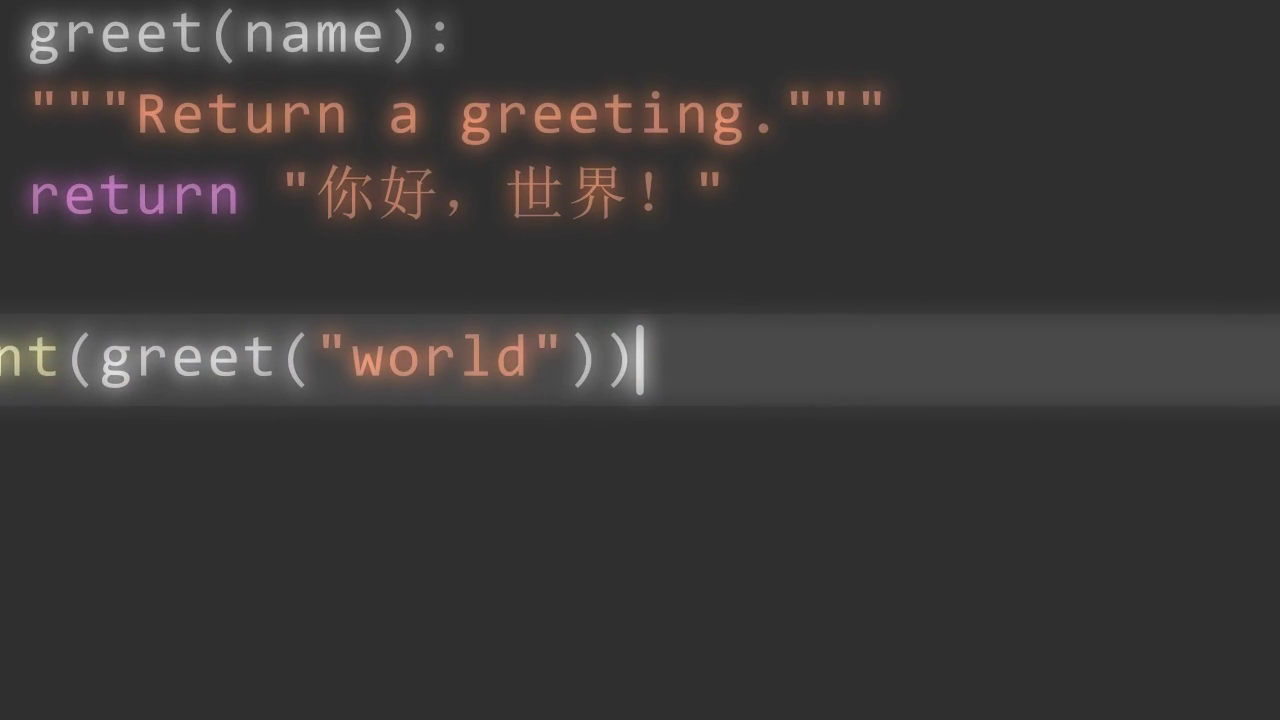
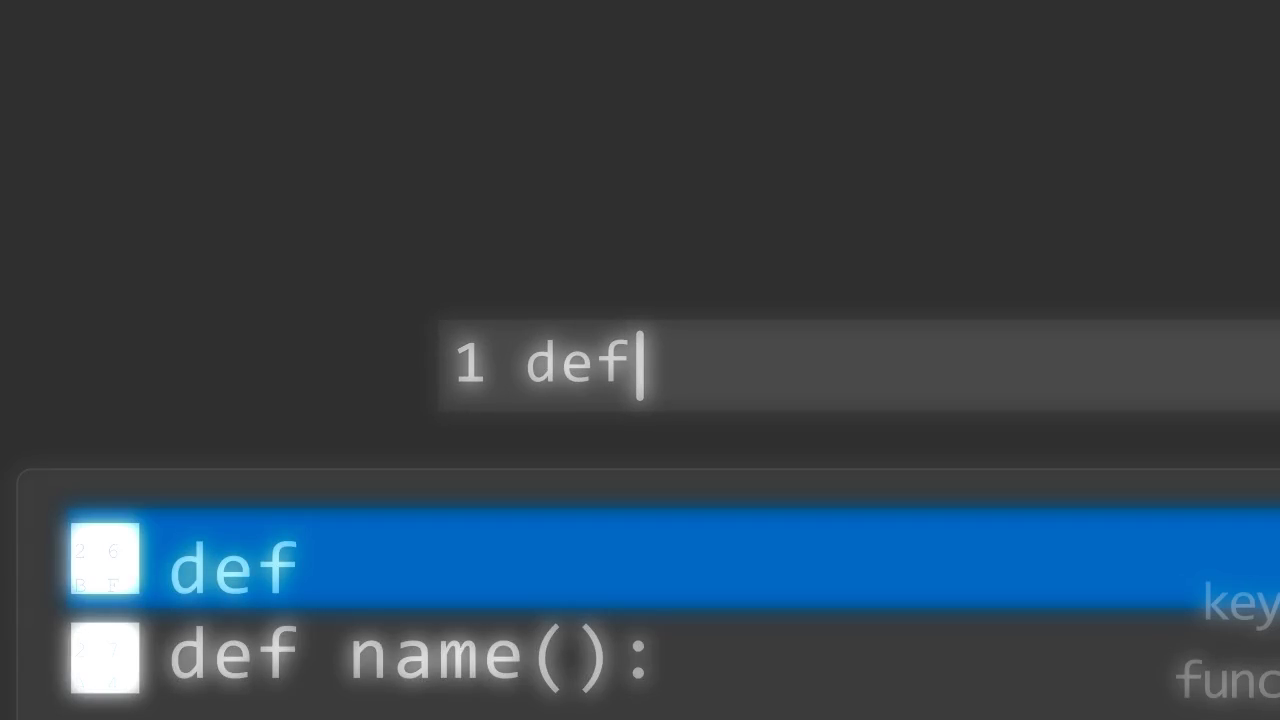
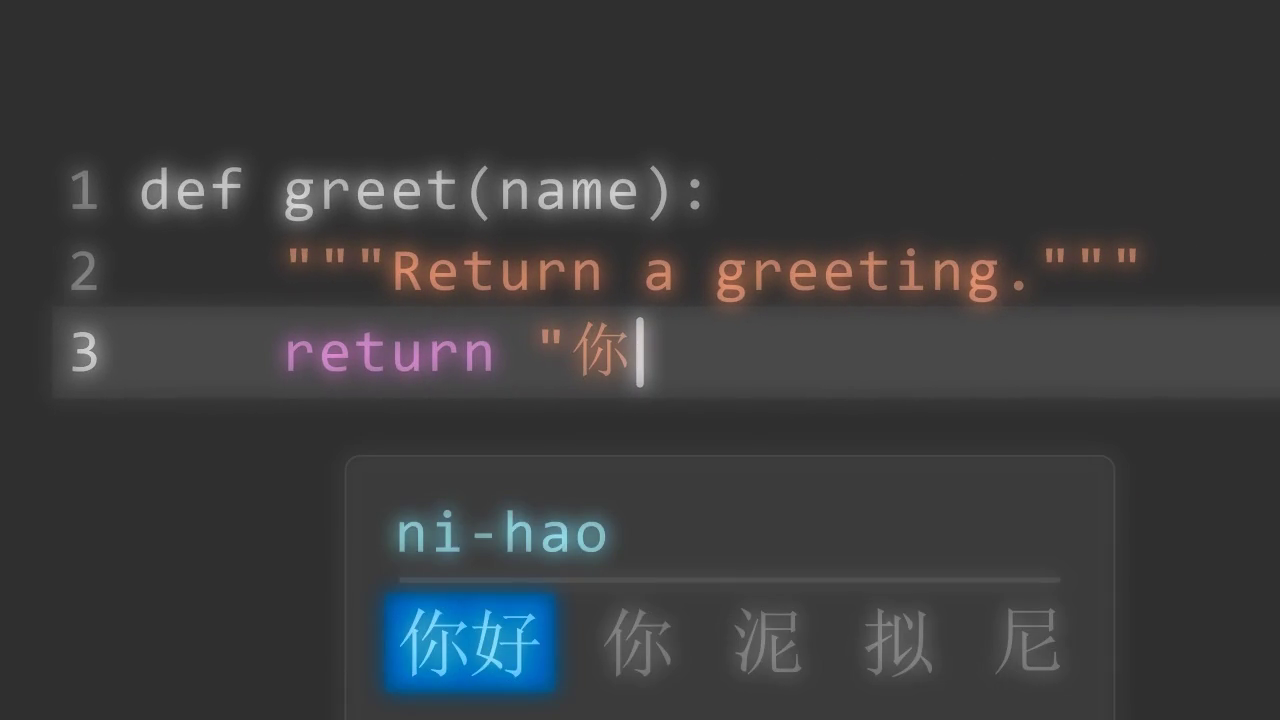

|
AI写的吧,候选框这么大,右侧文本都没对齐,完全不美观啊 |
…il text

- Shrink popup fonts (label 30->20, detail 22->16, icon 20->16) and padding
- Halve the label-detail gap (1.2 -> 0.5) so the box is no longer oversized
- Align each detail row to its own label (right-aligned to a fixed edge)
- Center the popup under the cursor; tighten the IME candidate box
- Regenerate the demo screenshots, GIF and video
|
Quick follow-up: the suggestion/IME popups were a bit oversized and the detail text wasn't row-aligned, so I refined the layout — smaller fonts, a tighter label↔detail gap, detail right-aligned per row, and the box centered under the cursor. Updated screenshots: Autocomplete (compact, detail right-aligned):
Chinese IME candidate box:
VS Code Dark+ highlighting (final frame):
Animated demo: demo_showcase.gif · Full video: demo_showcase.mp4 |
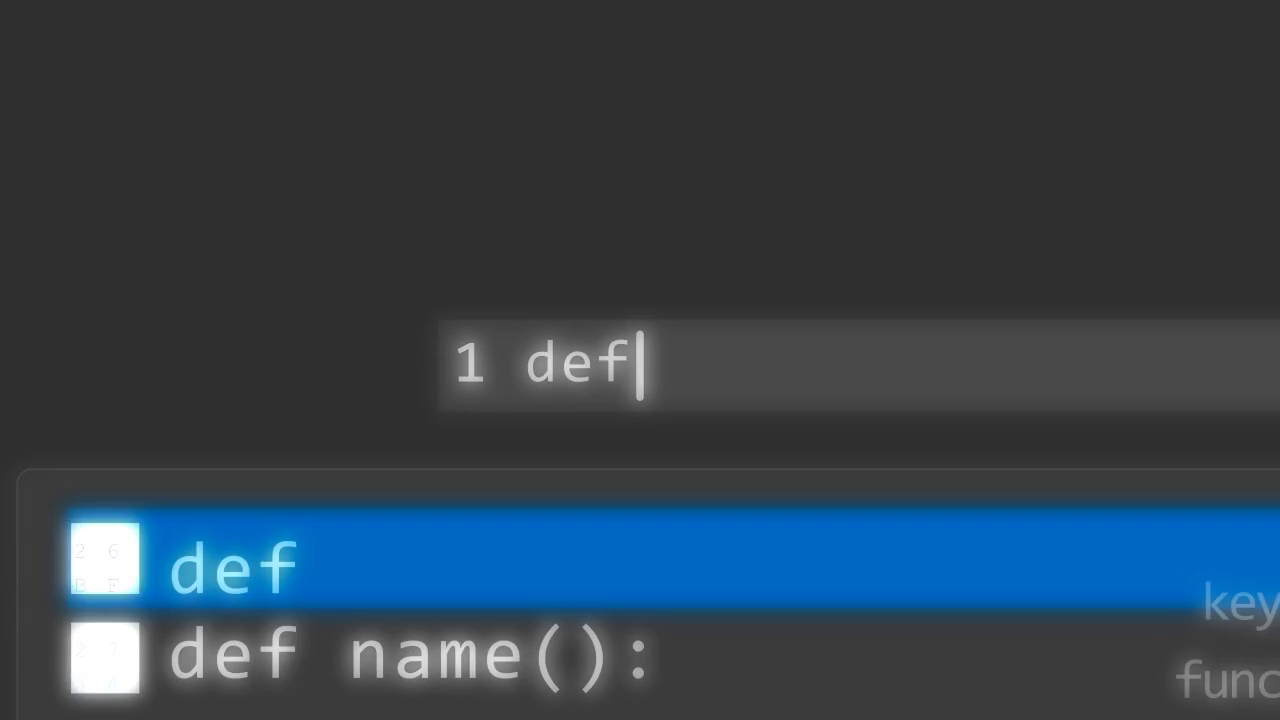
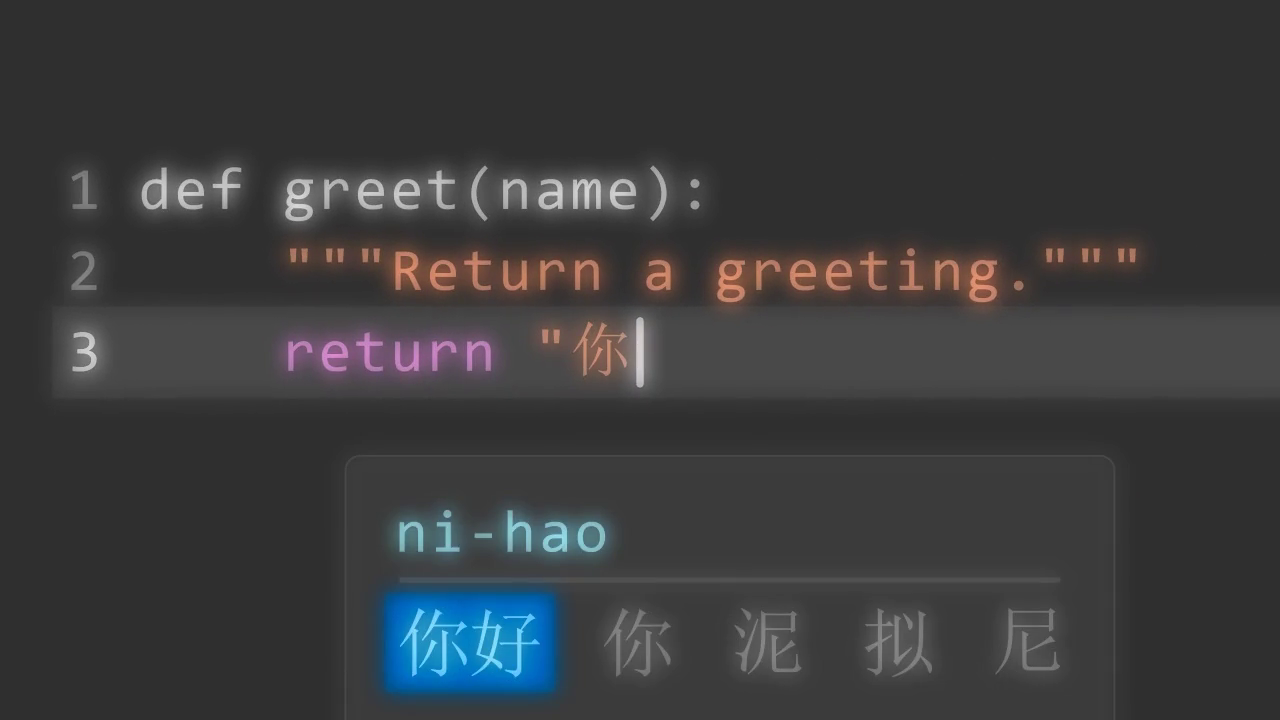
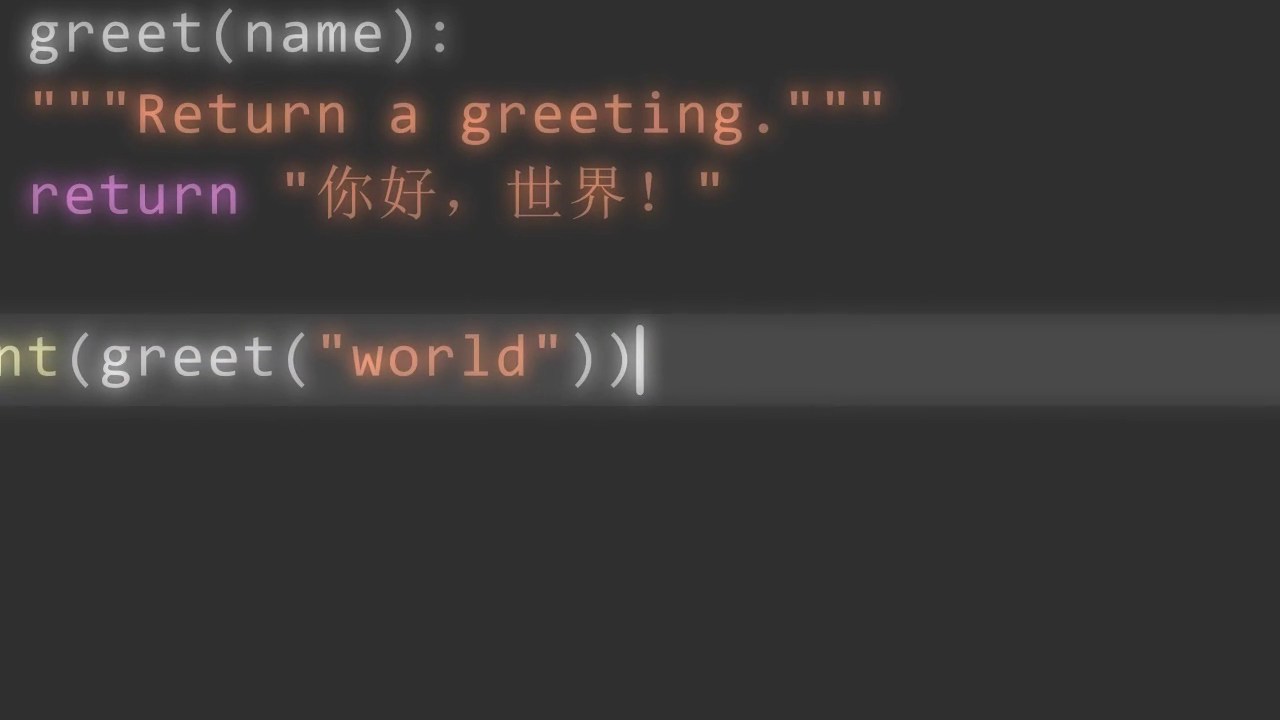

|
你能不用AI吗,再用AI我要骂你了 |
|
......自己写的,还在路上 |
…theme

- Camera: port camera.gd idle circular sway and clamp(10 - (chars+1)/7, 1, 10) zoom
- Completion: function/variable PNG icons, name() display, One Dark Pro Darker colors
- Background / line highlight default to #23272e / #2c313c (One Dark Pro Darker)
- editor.py: watermark UI and One Dark Pro Darker defaults
- postprocess: background, replace-background, sound, lyrics, styled subtitles
- Shorten verbose locals and trim docstrings (de-AI)
…review

- Fix crash: QColorDialog was missing from the QtWidgets import
- Unify theme: editor chrome now One Dark Pro Darker (#23272e bg, #2c313c line)
- Expose quality + frame_rate and add a line-highlight color picker
- Multi-language syntax highlighting for all 24 languages in the dropdown
- Quick Preview (low-quality render) and Open Folder button
- Built-in QMediaPlayer video player (auto-plays after render)
- Editor uses the bundled CJK-capable CodeVideoRendererFont (Chinese renders)
- Enable Qt high-DPI scaling and bump base font size for all-DPI readability
This branch has not been deployed
2 participants


概述
本 PR 为 CodeVideoRenderer 增加一组新功能,让代码动画更贴近真实编码体验:
1. VS Code Dark+ 语法高亮
新增
vscode-dark-plusPygments 样式与 Python 词法器,逐 token 对齐 VS Code Dark+ 配色(关键字
#569CD6/#C586C0、字符串#CE9178、函数#DCDCAA、类#4EC9B0、注释#6A9955、数字#B5CEA8),并设为默认formatter_style。2. VS Code 风格自动补全
触发
def/import/class/if/return等关键词时弹出 IntelliSense 风格补全框:彩色 Codicon 风格图标(方法ƒ、类▣、关键字⚿、片段➤等)、标签、灰色类型说明与蓝色选中行高亮。3. 中文拼音输入法模拟
新增
chinese_ime参数,输入中文时弹出拼音候选框,多字词拼音用横杠分隔(世界→shi-jie)。4. 退格式代码删除
新增
clear_code/clear_code_mode='backspace',打完代码后像按退格键一样逐字符删除(速度可调),删除前自动回拉镜头保持画面稳定。5. 视频后处理助手
新增
postprocess.py:去/加字幕、混背景音乐、拼接、画质/分辨率/fps 设置、加水印、片头、封面、提取/移除音频、裁剪、变速。其他
chinese_ime/ime_wait_time参数formatter_style默认值改为vscode-dark-pluspypinyin>=0.49.0,版本号升至1.5.0