A server-side map generation system for Rust that runs as a Harmony mod with a web-based interface for generating, processing, and customizing maps.


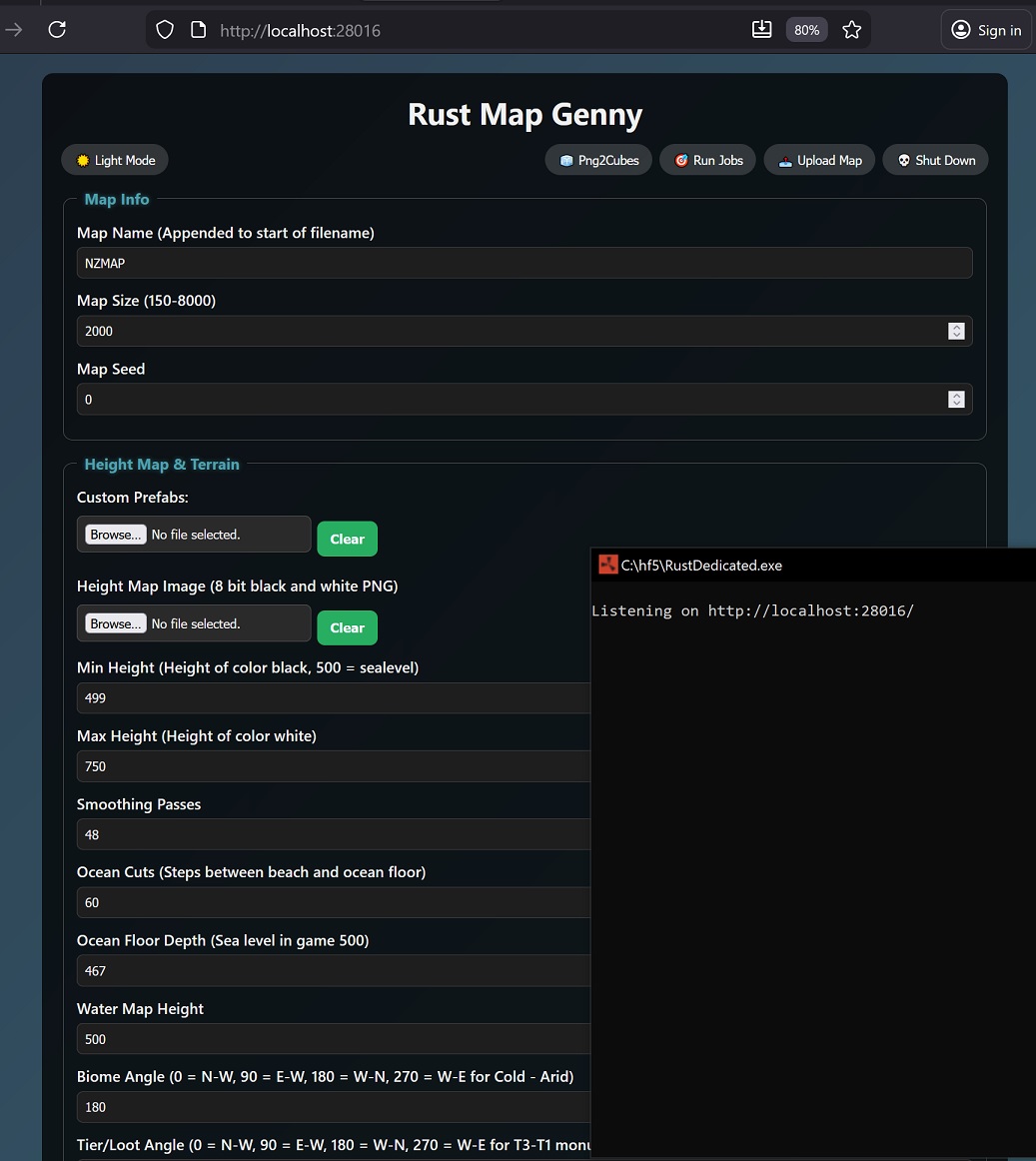
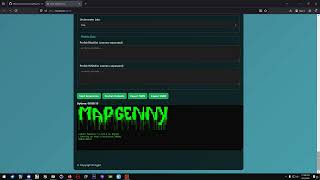
- Web-Based Interface – Intuitive UI for map generation and configuration
- Custom Prefabs – Import and integrate custom prefab templates
- Heightmap Support – Generate terrain from custom heightmaps
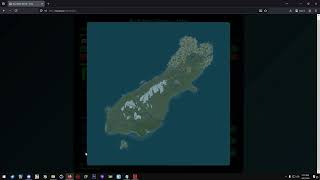
- 3D Preview – Visual preview of generated maps
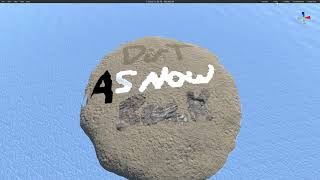
- Prefab Breaker – Advanced prefab manipulation tools
- PNG to Cubes – Convert images to prefab cubes
- Batch Processing – Queue multiple generation jobs via zip uploads
| Operating System | Version |
|---|---|
| Windows | 10 / 11 |
| Ubuntu | 22.04 |
| Debian | 12 |
| Component | Minimum | Recommended |
|---|---|---|
| CPU | 2 cores | 4+ cores |
| RAM | 4 GB | 6 GB+ |
| Storage | 20 GB SSD | 50 GB SSD |
- Vanilla Rust Dedicated Server
| Installer | Prefab Breaker | PNG2Cube |
|---|---|---|
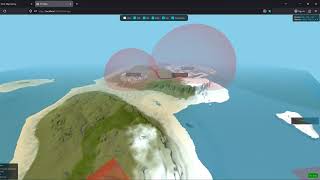 |
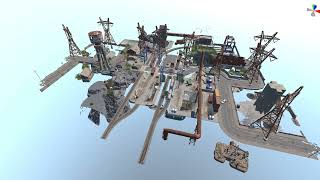 |
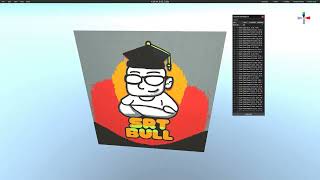 |
| Custom Prefabs Static Map | Custom Prefabs Monuments | Jobs Mode |
 |
 |
 |
- Download the installer scripts from the latest release
- Run the installer for your system:
.batfor Windows.shfor Linux
- Start the server using the run script for your platform
-
Download
MapGenny.dllfrom bin/Release -
Place
MapGenny.dllin your server'sHarmonyModsfolder -
Start your Rust Dedicated Server
Install required GDI libraries:
sudo apt install -y libgdiplus libc6-devSet environment variables before launching:
export LD_LIBRARY_PATH=$LD_LIBRARY_PATH:$(pwd)
export SYSTEM_DRAWING_ALLOW_SYSTEM_GDI_UNIX=1| Parameter | Description | Required |
|---|---|---|
+server.ip |
Server bind address | Yes (remote) |
+server.port |
Server port | Yes |
+rcon.password |
RCON password | Yes (security) |
Windows (start.bat):
RustDedicated.exe ^
  +server.ip * ^
  +server.port 28016 ^
  +rcon.password "YourPassWordHere" ^
  -logfile "logs.log"
Linux (start.sh):
#!/bin/sh
export LD_LIBRARY_PATH=$LD_LIBRARY_PATH:$(pwd)
export SYSTEM_DRAWING_ALLOW_SYSTEM_GDI_UNIX=1
cd "$(dirname "$0")"
./RustDedicated \
  +server.ip 0.0.0.0/+ \
  +server.port 28016 \
  +rcon.password "YourPassWordHere"
Security Note: Always set an RCON password. Without it, anyone can shut down your server.
| Parameter | Default | Description |
|---|---|---|
+allowuploads |
true |
Enable/disable file uploads |
+allowjobs |
true |
Enable/disable job queue |
+allowcubes |
true |
Enable/disable png2cubes |
+cubesonly |
false |
Run in cubes-only mode |
+allow3d |
true |
Enable/disable 3D preview |
+allowbreakprefab |
true |
Enable/disable prefab breaker |
- Local Mode: If
+server.ipis not specified, MapGenny auto-opens the web interface and enables all functions. - Remote Mode: If
+server.ip and +server.portare specified, MapGenny will run in remote mode. Some features disabled by default. - Multiple Interfaces: Bind multiple IPs using
/(e.g.,127.0.0.1/192.168.0.1) - Linux Remote: Bind two addresses to open remotely (e.g.,
0.0.0.0/+)
To create a custom prefab template:
- Run the debug version of MapGenny.dll from bin/Debug
- Generate a map (instead of loading custom prefabs it will save all templates that were found on that map.)
ZipFile.zip
└── FolderName
    ├── job.json           (required)
    ├── height.png         (optional)
    └── customprefabs.zip   (optional)
Download example jobs (NZ/Australia maps) for reference.
- Generated via the "Export JSON" button in the web interface
- Uses active settings from the UI
- Custom heightmaps/prefabs must be in the same folder
- Folder names should avoid spaces
The server processes jobs sequentially until stopped or deleted.
Support for custom text formatting:
| Tag | Description |
|---|---|
<size=8></size> |
Text size (default: 8) |
<br> |
Line break |
Copyright (c) bmgjet. All rights reserved.
You are granted a limited, non-exclusive, non-transferable, revocable license to use this software for non-commercial purposes only.
- Modify and improve the software
- Add features or fix bugs
- Refactor or optimize code
Conditions:
- Original copyright notices must remain intact
- Attribution to bmgjet must be preserved
- Changes should be submitted back
- Commercial use or monetization
- Selling, licensing, or renting the software
- Claiming ownership of the original work
- Removing copyright notices
For commercial use, contact bmgjet for:
- Prior approval
- Revenue share agreement
- 20% of gross profits from map and/or resources created by this software.